
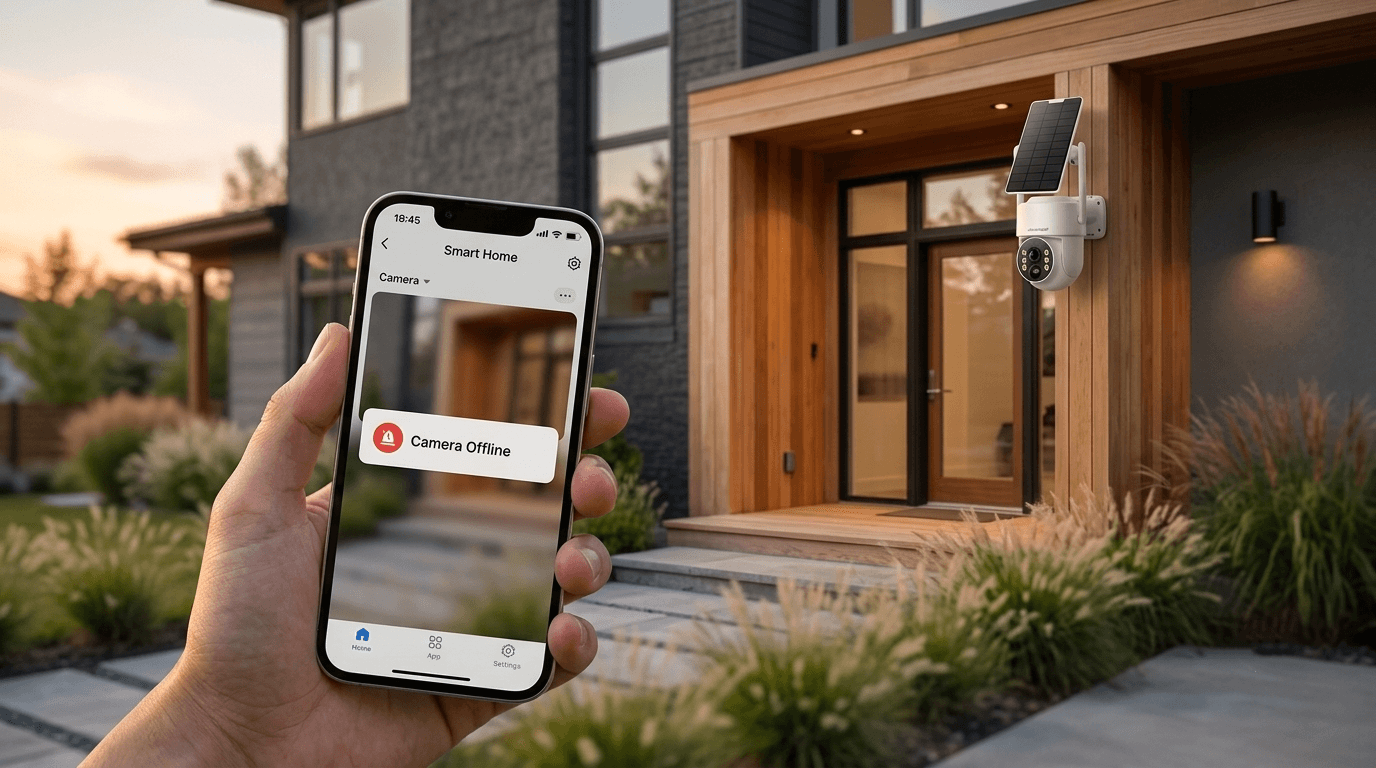
Introduction: Why Security Cameras Go Offline
A security camera going offline is more than just an inconvenience—it can leave your home unprotected when you need surveillance the most. Whether you're using a WiFi security camera, solar-powered outdoor camera, or a smart home CCTV system like Camcamp, connectivity issues are one of the most frequently reported problems.
If you’ve ever opened your security app and seen messages like:
- “Camera Offline”
- “Device Not Connected”
- “No Signal”
- “Failed to Connect to Server”
you are not alone.
In this guide, we break down the most common reasons your security camera goes offline and provide fast, practical solutions to get your system back online in minutes.
1. Weak WiFi Signal (Most Common Issue)

Common causes include:
- Router too far from camera
- Thick walls blocking signal
- Outdoor installation beyond range
- Interference from other devices
Fast Fix:
- Move router closer
- Use WiFi extender or mesh network
- Switch to 2.4GHz band (better range than 5GHz)
2. Power Supply Issues

This is especially common in:
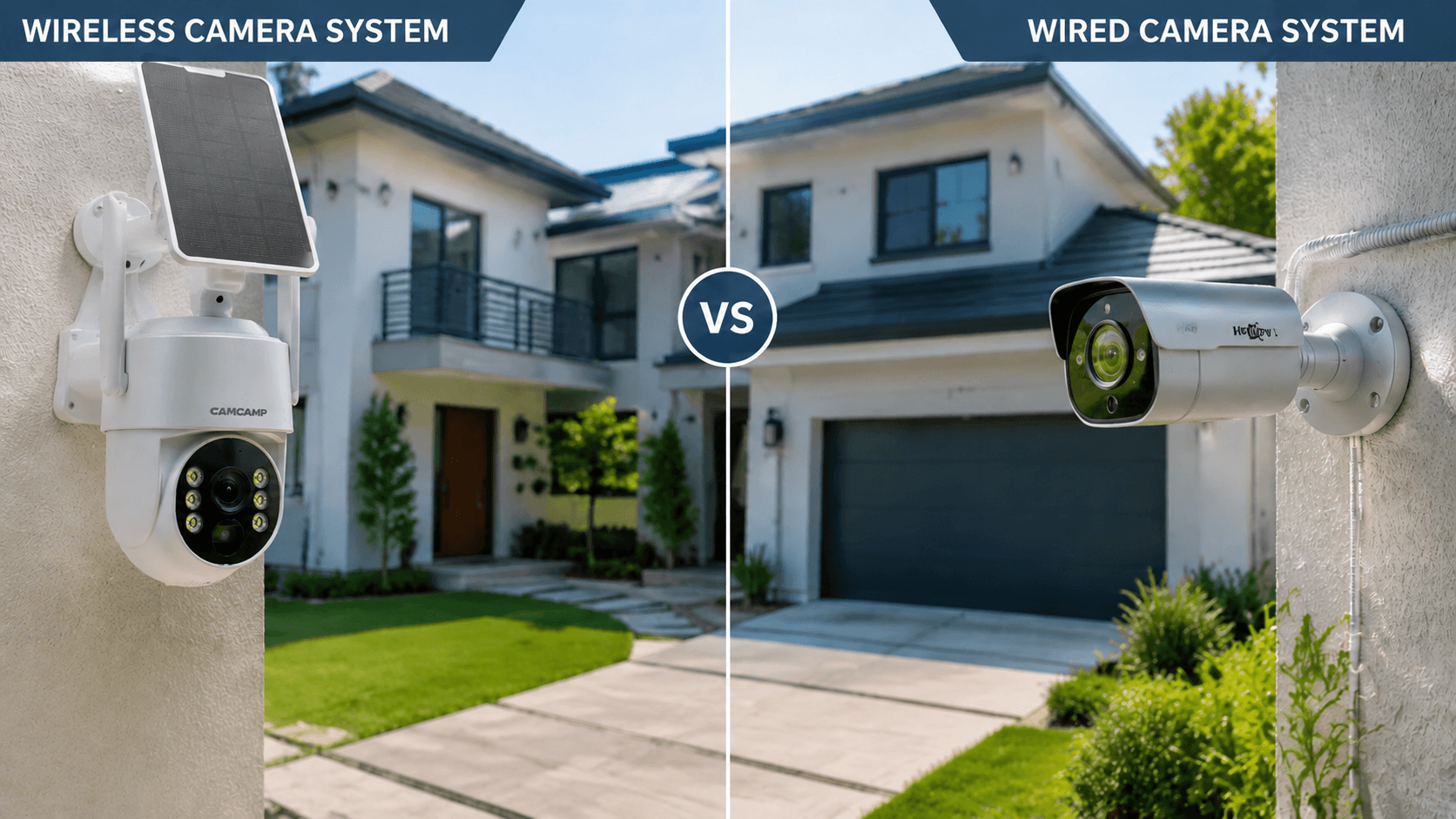
- Wired CCTV systems
- Poorly secured power adapters
- Solar-powered cameras with low battery
Fast Fix:
- Check power cable connection
- Replace faulty adapter
- For solar models, ensure direct sunlight exposure
3. Router or Internet Outage
Fast Fix:
- Restart router (unplug 30 seconds)
- Check ISP outage
- Reconnect camera via app setup
4. App or Firmware Problems

Common issues:
- Outdated firmware
- App crash or bug
- Device sync failure
Fast Fix:
- Update Camcamp app
- Restart camera system
- Re-login to account
5. Server or Cloud Connection Issue
Fast Fix:
- Wait for server recovery
- Switch network
- Reboot camera system
6. Environmental Interference (Outdoor Cameras)

Outdoor cameras can go offline due to:
- Heavy rain
- Extreme heat
- Snow or humidity
- Lens obstruction
Fast Fix:
- Clean lens regularly
- Use weatherproof housing
- Install under eaves or cover
Pro Tips to Prevent Security Camera Offline Issues
To reduce downtime and improve reliability:
- Regularly update firmware
- Choose stable platforms like Camcamp smart security cameras
- Install cameras within optimal signal range
Why Camcamp Security Cameras Stay More Stable
Camcamp security cameras are designed for:
- Stable WiFi connectivity
- Smart reconnection features
- Low-latency cloud access
- Outdoor durability
- Easy mobile app control
This reduces the chances of frequent “offline” errors compared to generic CCTV systems.
Conclusion
A security camera going offline is usually caused by WiFi issues, power interruptions, or software glitches—and in most cases, it can be fixed within minutes.
By following this guide, you can quickly restore your Camcamp security camera system and keep your home protected 24/7.

Leave a comment
This site is protected by hCaptcha and the hCaptcha Privacy Policy and Terms of Service apply.