
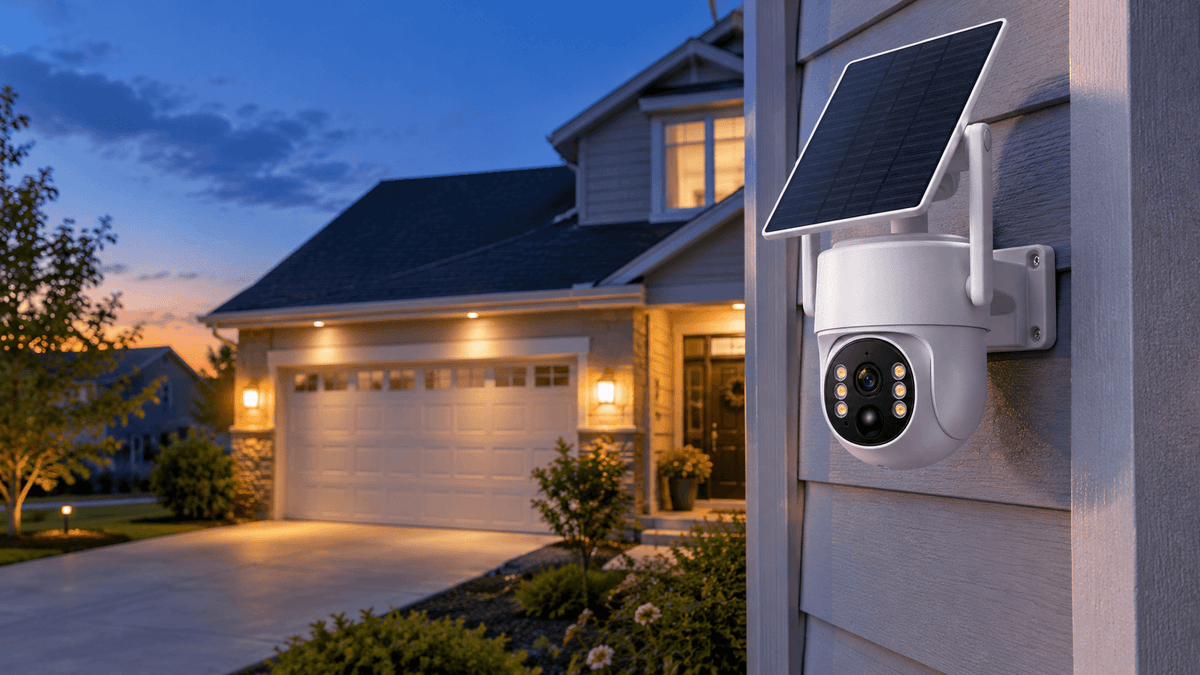
Your security camera looks clear during the day, but everything becomes blurry, grainy, or washed out after sunset. Faces are harder to recognize, moving vehicles appear smeared, and your outdoor security camera may struggle to capture important details when you need them most.
Why do security cameras look blurry at night? The most common causes include insufficient lighting, dirty camera lenses, infrared (IR) glare, condensation, motion blur, incorrect camera placement, and night vision limitations.
The good news is that many blurry security camera problems can be fixed without replacing your entire surveillance system. By identifying the cause and making a few practical adjustments, you can improve nighttime image quality and get more reliable footage from your home security cameras.
In this guide, we explain why security cameras look blurry at night, how to troubleshoot common night vision problems, and what you can do to capture clearer security footage.
Why Do Security Cameras Look Blurry at Night?
Security cameras rely on available light or infrared illumination to capture images after dark. When the environment becomes darker, the camera has less light to work with. Depending on its sensor, lens, infrared system, and exposure settings, the resulting footage may contain more digital noise, less detail, or motion blur.
Even a high-resolution security camera can produce unclear nighttime footage if the lens is dirty, infrared light reflects off nearby objects, or the camera cannot adequately illuminate the monitored area.
Before changing your equipment, check whether the image is blurry all the time or only at night. This simple observation can help narrow down the problem.
1. Low Light Conditions and Poor Nighttime Illumination
One of the most common reasons for blurry night vision is insufficient light.
During the day, natural sunlight helps your security camera capture fine details. At night, the camera must rely on available outdoor lighting, built-in infrared LEDs, or compatible supplemental lighting.
When light is limited, a camera may increase its exposure time or electronic gain to produce a brighter image. A longer exposure can blur moving subjects, while increased gain can make footage look grainy or noisy.
This is particularly noticeable when monitoring a large backyard, a dark driveway, a warehouse entrance, or a construction site.
How to fix it:
-
Add a suitable outdoor light to illuminate important areas.
-
Check whether your camera's infrared night vision is working correctly.
-
Position the camera to cover the area where activity is most likely to occur.
-
Avoid expecting the same level of detail in complete darkness as in a well-lit scene.
-
Review the camera's night vision specifications and effective illumination range.
If you are choosing a new outdoor security camera, consider its low-light performance and night vision capabilities instead of comparing megapixels alone.

2. A Dirty or Obstructed Camera Lens
Dust, fingerprints, water spots, pollen, spiderwebs, and insect residue can all reduce security camera image clarity.
These obstructions can be especially noticeable at night because infrared light may reflect off particles and moisture near the lens. The result can look like a cloudy security camera image, white haze, glowing spots, or soft focus.
A lens that looks clean during daylight may still have a thin film of dirt or grease that affects nighttime footage.
How to fix it:
-
Inspect the camera lens and any transparent protective cover.
-
Turn off the camera or follow the manufacturer's maintenance instructions before cleaning.
-
Use a clean, soft microfiber cloth suitable for optical surfaces.
-
Remove spiderwebs and debris around the camera housing.
-
Check the nighttime footage again after cleaning.
Avoid abrasive materials and harsh cleaning chemicals that could scratch or damage the lens cover. If your camera has a sealed housing, do not open it unnecessarily.
For outdoor security cameras, periodic lens cleaning is a simple but effective way to maintain clear night vision.

3. Infrared Glare and Reflection
Infrared glare is another common cause of blurry or foggy security camera footage at night.
Many security cameras use infrared LEDs to illuminate a scene in darkness. Although infrared light is invisible to the human eye, the camera sensor can detect it and use it to produce nighttime images, often in black and white.
Problems occur when this infrared light reflects directly back into the lens.
Nearby walls, roof eaves, window glass, gutters, reflective surfaces, and objects close to the camera can produce bright patches or a milky haze. Dust, water droplets, and spiderwebs can also scatter infrared light and reduce contrast.
How to fix it:
-
Adjust the camera angle so nearby walls and other reflective surfaces occupy less of the frame.
-
Move the camera away from objects that are too close to the lens.
-
Clean the lens cover and remove spiderwebs.
-
Avoid placing an infrared camera behind a window when relying on its built-in IR LEDs.
-
Check the housing and seals if the camera appears to have internal infrared reflections.
If the footage becomes foggy only after the camera switches to night mode, infrared reflection is a particularly useful possibility to investigate.

4. Condensation, Rain, and Moisture
Moisture can make an outdoor security camera look blurry, hazy, or out of focus.
Rain droplets on the lens cover can scatter light, while condensation may form when temperature and humidity change. Moisture trapped inside the camera housing can cause persistent fogging that does not disappear after wiping the outside.
This problem often occurs in humid environments, during sudden temperature changes, or after prolonged exposure to wet weather.
How to fix it:
-
Gently wipe away exterior water droplets with a suitable soft cloth.
-
Check whether the camera housing and mounting seals appear intact.
-
Make sure the camera is installed according to its weather-resistance requirements.
-
Position the camera to reduce unnecessary exposure to dripping water where practical.
-
Contact the manufacturer if fogging appears inside a sealed housing or repeatedly returns.
Do not open a sealed outdoor camera or apply heat directly to the lens to remove internal condensation. Persistent internal moisture may require professional inspection or manufacturer support.
5. Motion Blur from Moving People and Vehicles
Sometimes the camera's background looks sharp, but people walking through the driveway or vehicles moving past the property appear blurred.
This is often motion blur rather than a dirty lens or a resolution problem.
In low-light conditions, the camera may need a longer exposure to collect enough light. If a person or vehicle moves while that exposure is being captured, the subject can appear smeared across the frame.
This can affect security footage used to identify visitors, monitor deliveries, or observe activity around a business.
How to fix it:
-
Add more light to the monitored area where possible.
-
If your camera supports manual exposure or shutter controls, check whether the settings can be adjusted appropriately.
-
Avoid digital zoom when it makes already limited details harder to distinguish.
-
Test the camera with both stationary and moving subjects.
-
Choose a camera designed to handle your environment and monitoring needs.
Be aware that faster shutter settings can make nighttime footage darker. The goal is to balance brightness, motion clarity, and image noise rather than maximizing a single setting.
6. Incorrect Camera Placement or Focus
Camera placement directly affects the quality of security footage.
A camera aimed too close to a wall, mounted at an unsuitable angle, or positioned to monitor an area beyond its effective night vision range may produce poor results. Some cameras can also develop focus problems because of a damaged lens, a faulty component, or a mechanical issue.
If the picture is blurry both during the day and at night, the problem may be unrelated to infrared illumination.
How to fix it:
-
Check whether the lens is obstructed or damaged.
-
Confirm that the intended monitoring area falls within the camera's effective viewing and illumination range.
-
Adjust the mounting angle to reduce foreground obstructions.
-
Review the camera's focus settings if they are adjustable.
-
Test the image at different distances and under different lighting conditions.
If the image remains consistently out of focus after cleaning and repositioning, contact the manufacturer for further troubleshooting.
7. Incorrect Night Vision, Recording, or App Settings
A security camera may produce a blurry image because of settings that affect image quality or because you are viewing a reduced-quality stream.
Depending on the model, available settings may include resolution, video quality, infrared mode, exposure, noise reduction, and recording options. Not every camera supports manual adjustment of these features.
A low-resolution live preview may look softer than the original recording. Slow network speeds can also affect remote viewing quality, although they do not necessarily mean the footage saved locally is blurry.
How to fix it:
-
Check that the camera is recording at the intended resolution.
-
Review the available night vision settings in the camera app.
-
Compare the live view with a saved recording.
-
Check your Wi-Fi or cellular connection if the problem occurs only during remote playback.
-
Update the camera firmware or app when an applicable update is available.
If your security camera supports multiple video quality options, choose the highest practical setting for your storage capacity and network conditions.

How to Troubleshoot a Blurry Security Camera at Night
When your security camera night vision is unclear, follow this simple checklist before purchasing replacement equipment.
| What you see | Possible cause | Recommended action |
|---|---|---|
| White haze or bright patches | Infrared glare or reflections | Clean the lens and adjust camera placement |
| Water spots or cloudy footage | Rain, condensation, or dirt | Clean the exterior and inspect the housing |
| Moving people look smeared | Motion blur or insufficient lighting | Add light and check supported exposure settings |
| Grainy footage in darkness | Low light or high electronic gain | Improve illumination and review night vision performance |
| Daytime and nighttime images are both blurry | Dirty, damaged, or out-of-focus lens | Inspect the lens and contact support if needed |
| Live view looks blurry but recordings look clear | Reduced preview quality or network limitations | Compare saved footage and check connection quality |
For the most useful test, review a recorded nighttime clip rather than relying only on a small live preview in your phone app. Check both a stationary object and a moving subject to see whether the issue affects the entire scene or only movement.
How to Choose a Security Camera with Better Night Vision
If you are planning to upgrade your home surveillance system, look beyond the advertised resolution.
Consider these factors when comparing outdoor security cameras:
-
Night vision performance: Check the type of night vision and the manufacturer's stated illumination range.
-
Low-light image quality: Look for evidence of clear footage under realistic nighttime conditions.
-
Motion recording: Consider whether the camera captures moving people and vehicles clearly enough for your needs.
-
Weather resistance: Choose a camera suitable for your outdoor installation environment.
-
Power and connectivity: Compare wired, wireless, and solar-powered options based on the installation location.
-
Storage and playback: Confirm that the system supports a recording method and playback quality that meet your requirements.
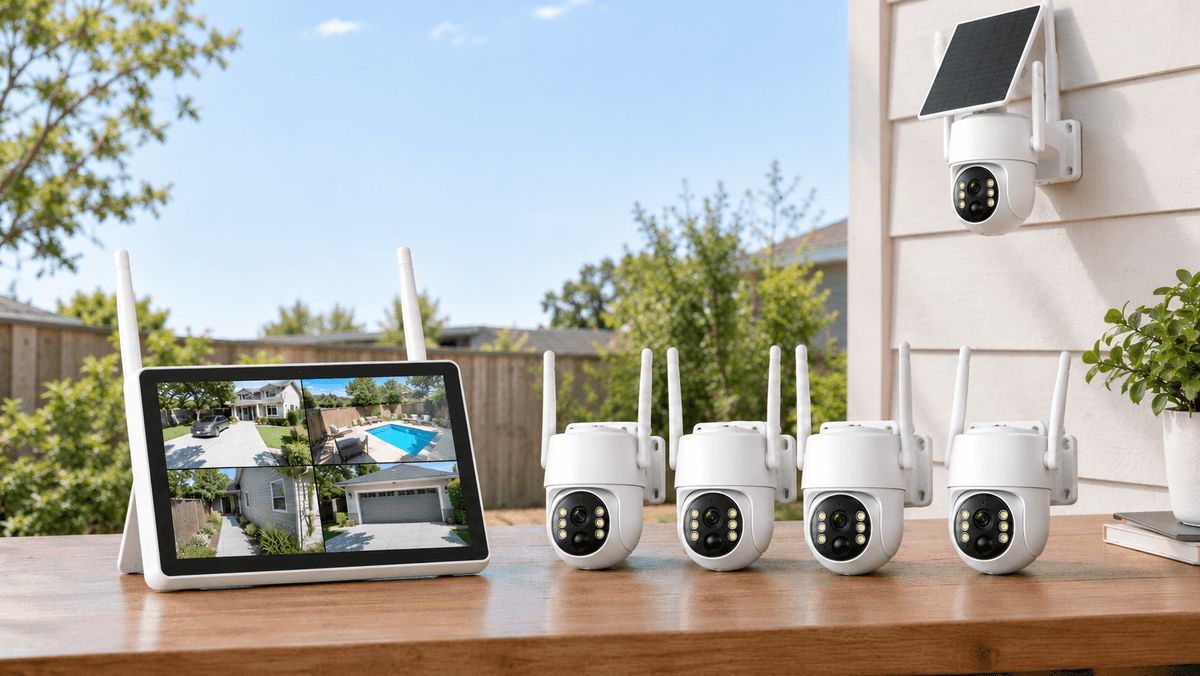
A wireless security camera system can offer flexible installation, while a solar security camera may suit locations where running power cables is difficult. The best option depends on your property, lighting, connectivity, and monitoring goals.
At Camcamp, choosing a security camera should start with understanding the area you want to monitor and the type of footage you need—not simply selecting the model with the largest megapixel number.
FAQ
Why is my security camera blurry at night but clear during the day?
The camera may be struggling with low light, infrared reflection, condensation, or motion blur. Clean the lens, inspect the night vision illumination, and check whether nearby surfaces are reflecting infrared light back into the camera.
How do I fix blurry infrared night vision?
Start by cleaning the lens and removing spiderwebs. Then adjust the camera angle to avoid nearby reflective surfaces and check for moisture on the lens cover. If the image remains blurry, inspect the camera's night vision settings and hardware.
Can a dirty lens affect security camera night vision?
Yes. Dirt, fingerprints, water spots, and spiderwebs can scatter infrared light and reduce image contrast. Regularly cleaning the exterior lens cover can help maintain clearer nighttime footage.
Does a higher-resolution security camera always provide clearer night footage?
No. Resolution is only one factor in image quality. Lighting, sensor performance, infrared illumination, exposure, lens condition, and camera placement all influence how clearly a camera records at night.
Why does my security camera look foggy when infrared mode turns on?
Infrared light may be reflecting off a nearby wall, window, spiderweb, water droplets, or a dirty lens cover. Inspect the camera's surroundings and clean the lens before checking its placement and housing.
Final Thoughts: Get Clearer Security Camera Footage at Night
Blurry security camera footage at night does not automatically mean that your camera is defective. In many cases, the issue comes from insufficient lighting, a dirty lens, infrared glare, moisture, motion blur, or incorrect installation.
Start with the simplest solutions: clean the lens, remove obstructions, improve lighting, adjust the camera angle, and review the recording settings. If the problem persists, investigate possible focus or hardware issues.
With the right placement, maintenance, and night vision setup, your Camcamp security camera can help you monitor your home, driveway, yard, or business more effectively after dark.
Looking for a security camera system for your property? Explore Camcamp's security camera solutions and choose an option that fits your installation, connectivity, and nighttime monitoring needs.


Leave a comment
This site is protected by hCaptcha and the hCaptcha Privacy Policy and Terms of Service apply.