
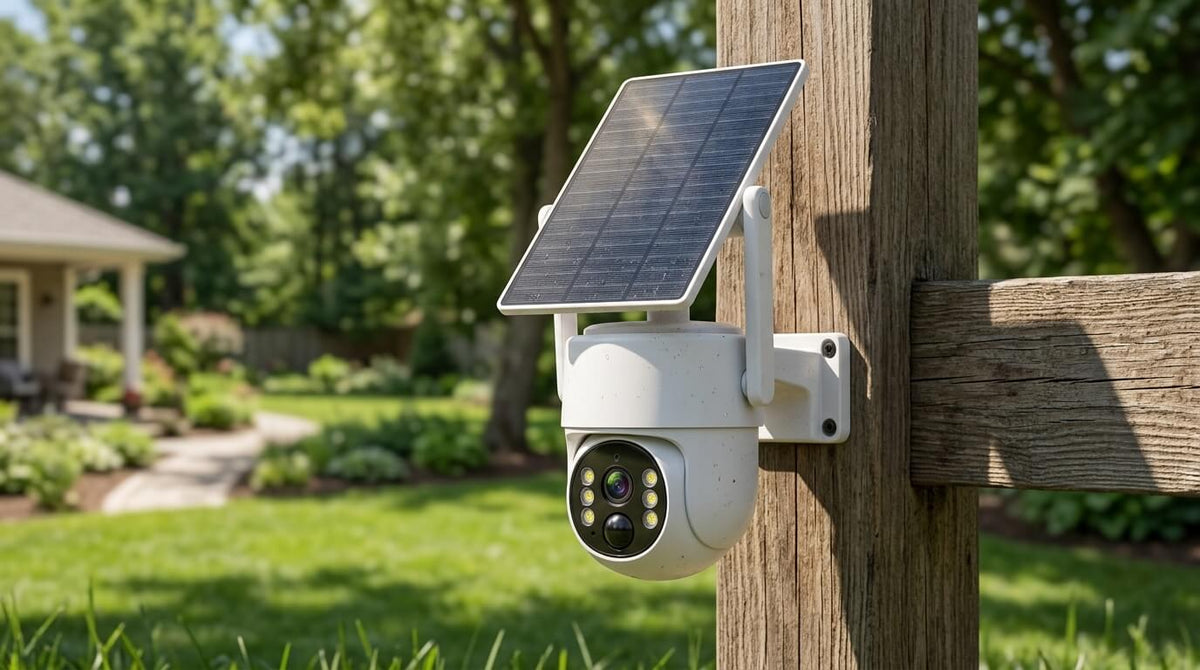
Yes, Security Cameras Can Work Without WiFi
Can security cameras work without WiFi? Yes. A security camera does not necessarily need WiFi to record video or detect motion.
While many modern wireless security cameras use WiFi to connect to a home network, WiFi is only one way for a security camera to communicate and store footage. Depending on the camera system, video can be stored on an SD card, NVR, DVR, internal storage, or cloud server. Some cameras can also use a cellular network instead of WiFi.
This means you can install a security camera without internet, although the features available without an internet connection will depend on the camera's design.
For homeowners looking for reliable outdoor home security, understanding how cameras work without WiFi can help you choose the right surveillance system for your property.
How Do Security Cameras Work Without WiFi?
A security camera can work without WiFi when its core recording and monitoring functions do not depend on a wireless internet connection.
The simplest example is a camera that records video directly to a microSD card. When motion is detected, the camera saves the footage locally. The camera can continue recording even if the home's WiFi network is unavailable.
Another common solution is an NVR security camera system. An NVR, or Network Video Recorder, receives video from connected cameras and stores the recordings on a hard drive. In this type of setup, the cameras and recorder can create a dedicated surveillance network rather than relying on the homeowner's WiFi.
A traditional wired camera system can work in a similar way. Cameras send video through cables to a DVR or NVR, where the footage is recorded.
Therefore, WiFi and internet access are not the same thing as video recording.
A camera may continue to:
- Detect motion
- Record video
- Save footage locally
- Capture night vision footage
- Use infrared illumination
- Send video to an NVR
- Operate according to scheduled recording settings
However, some internet-dependent functions may stop working.
For example, remote viewing, cloud backup, push notifications, and some AI features may require an internet connection depending on the camera model.

What Types of Security Cameras Can Work Without WiFi?
There are several types of security cameras that don't need WiFi.
1. Wired Security Cameras
Wired security cameras transmit video through physical cables.
Depending on the system, cameras may connect to a DVR, NVR, or other recording device. Because video travels through a cable instead of a WiFi network, these systems can continue recording even when the home's wireless network is unavailable.
Wired systems are commonly used for larger properties, garages, warehouses, businesses, and homeowners who want a more permanent home surveillance system.
The main disadvantage is installation. Running cables can require more time and planning than installing a wireless camera.
2. Security Cameras With Local Storage
Some cameras record directly to a microSD card or internal storage.
This is one of the simplest ways to use a security camera without internet.
The camera can detect movement and save recordings locally. However, storage capacity is limited, so older footage may eventually be overwritten when the storage becomes full.
Local storage is particularly useful for locations where an internet connection is unreliable or unavailable.
3. Cellular Security Cameras
A cellular security camera uses a mobile network rather than a home's WiFi connection.
These cameras typically require a cellular data plan and a compatible SIM card. They are useful for remote locations such as farms, hunting properties, construction sites, cabins, and rural areas.
Although cellular cameras do not need your home's WiFi, they still require cellular network coverage.
This is an important distinction:
A cellular security camera can work without WiFi, but it does not necessarily work without a network connection.
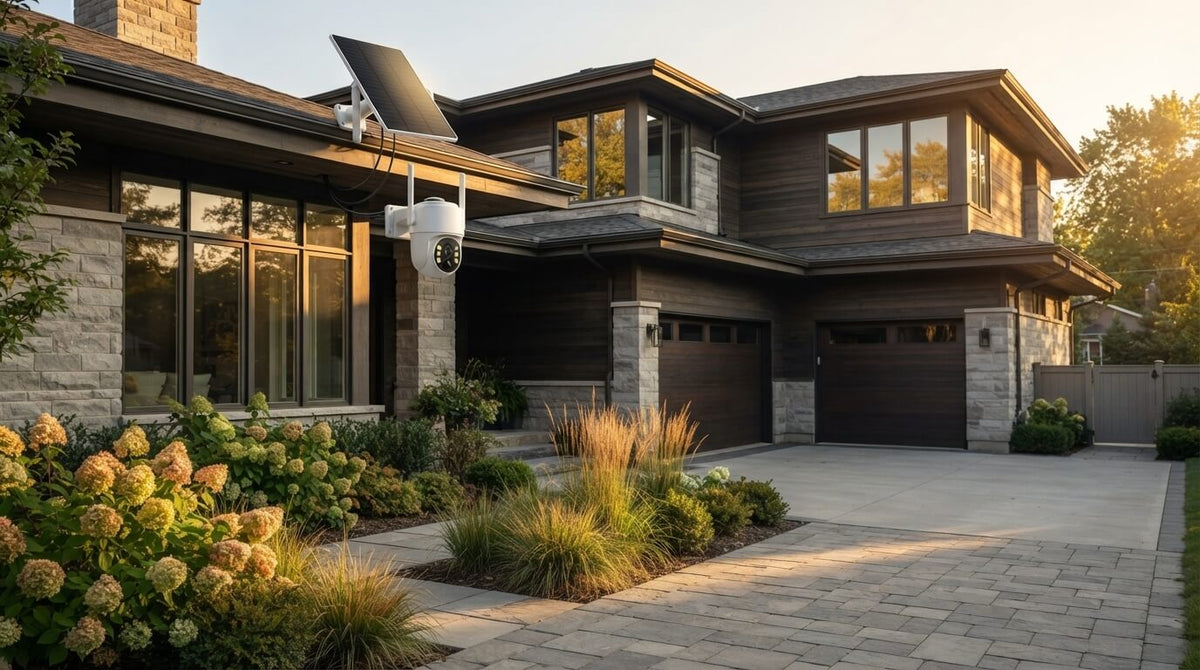
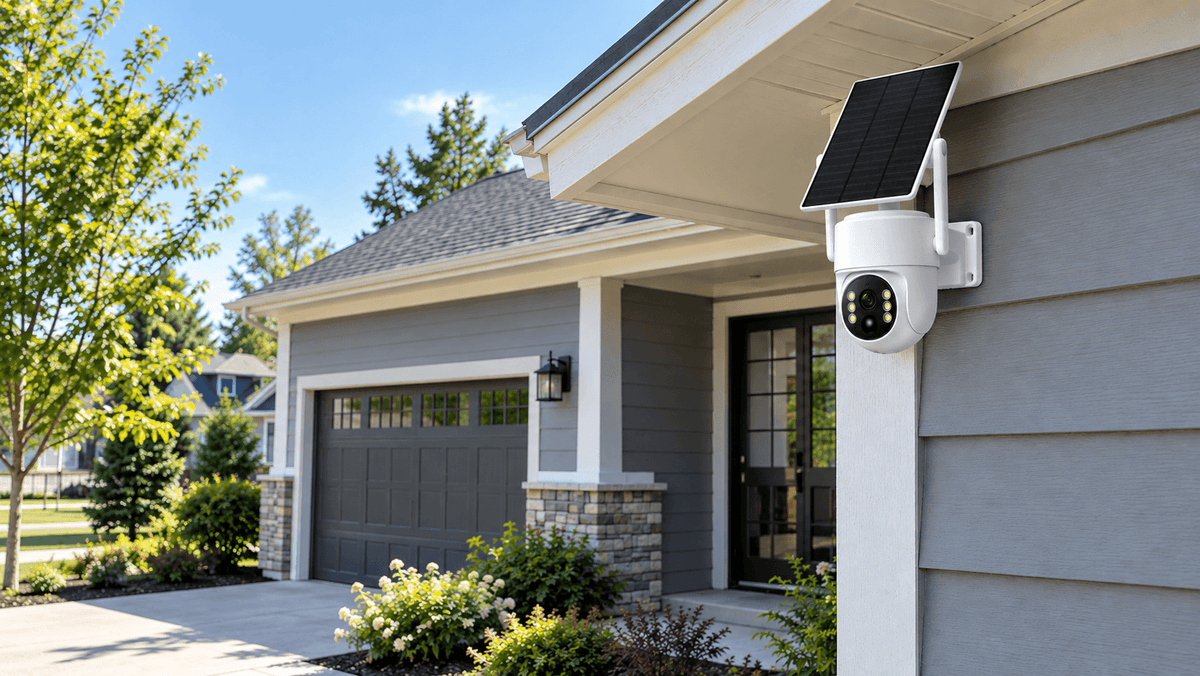
4. Solar Security Cameras
A solar security camera addresses a different problem: power.
Solar panels can provide energy to a battery-powered camera, allowing it to operate in locations where running a power cable is inconvenient.
Some solar cameras use WiFi, while others use cellular connectivity or local recording.
Therefore, "solar" does not automatically mean "WiFi-free." When choosing a solar security camera without WiFi, check whether the specific model supports local storage, cellular connectivity, or another connection method.

What Can a Security Camera Do Without Internet?
A common question is: What happens if WiFi goes down?
The answer depends on the camera.
A security camera with local recording may continue performing its basic surveillance functions even when the internet is unavailable.
Functions that may continue without WiFi:
- Motion detection
- Local video recording
- SD card recording
- NVR recording
- Infrared night vision
- Local playback
- Scheduled recording
- Some AI detection features
Functions that may require internet:
- Remote viewing from a smartphone
- Cloud video storage
- Push notifications
- Remote configuration
- Some AI/cloud services
- Sharing footage through an online app
For example, if an outdoor security camera records directly to an NVR, you may still be able to view recordings locally even if the home's internet connection is down.
But if your camera relies entirely on cloud storage, losing the internet connection may prevent new footage from reaching the cloud.
This is why it is important to distinguish between recording, network connectivity, and remote access when comparing security camera systems.
Can You View a Security Camera Without WiFi?
Yes, but the viewing method depends on the system.
With an NVR system, cameras can send video directly to a dedicated monitor or recorder. You can therefore view camera feeds locally without depending on a home's WiFi network.
Some cameras with local storage also allow users to remove the SD card and view recorded footage on another compatible device.
However, if you want to view a camera remotely while you are away from home, some form of network connection is generally required.
For example:
At home: Camera → NVR → Monitor
This can provide local surveillance.
Remote viewing: Camera → Network → Internet → Smartphone
This allows you to check your property while you're away.
Understanding this difference is particularly important when selecting a wireless security camera system.
What About Camcamp Security Cameras?
For homeowners who want local monitoring without relying entirely on a home's WiFi network, an NVR-based security camera system can be a practical solution.
The Camcamp SC43 is designed as a wireless NVR security camera system with a dedicated 10.1-inch NVR monitor and 500GB hard drive.
This type of setup provides a dedicated local monitoring and recording solution for outdoor home security. Instead of relying exclusively on cloud storage, the system can store surveillance footage through its NVR.
For homeowners comparing security cameras without WiFi, an NVR system can be particularly useful when local recording and on-site monitoring are priorities.

WiFi vs. No-WiFi Security Cameras: Which Should You Choose?
There is no single security camera system that is perfect for every property.
Your choice should depend on the location, power availability, internet connection, recording requirements, and whether you need remote access.
| Feature | WiFi Security Camera | No-WiFi / Local Security System |
|---|---|---|
| WiFi required | Usually | No |
| Internet required for recording | Depends on model | Usually no |
| Local recording | Some models | Common |
| NVR support | Some systems | Common |
| Remote viewing | Usually available | Depends on network setup |
| Cloud storage | Often available | Usually not required |
| Installation | Generally easier | May require NVR/cabling |
| Suitable for remote areas | Depends on WiFi | Often suitable |
| Internet outage | Some features may stop | Local recording can continue |
If you have reliable home WiFi and want convenient smartphone access, a WiFi security camera can be a simple choice.
If your priority is local recording, dedicated monitoring, and reduced dependence on home internet, an NVR-based security camera system may better match your requirements.
Do Security Cameras Need Internet to Record?
No. Security cameras do not always need internet to record.
A camera can record without internet when it has a local recording method such as:
- MicroSD card
- Internal storage
- NVR
- DVR
The internet becomes more important when you want features such as remote camera viewing, cloud storage, smartphone notifications, or remote access.
This makes local recording an important feature to consider when choosing an outdoor security camera system.
Do Security Cameras Need WiFi for Night Vision?
No. Night vision does not inherently require WiFi.
Night vision is a camera hardware feature that typically uses infrared illumination and an image sensor to capture footage in low-light conditions.
Whether the camera has WiFi or not does not determine whether it can see at night.
A camera can therefore record nighttime activity locally to an SD card or NVR without needing WiFi.
This is useful for monitoring:
- Driveways
- Backyards
- Garages
- Farms
- Workshops
- Entrances
- Storage areas

Final Thoughts: Can Security Cameras Work Without WiFi?
So, can security cameras work without WiFi?
Yes.
Security cameras can operate without WiFi when they use alternatives such as local SD card storage, NVR recording, wired connections, or cellular networks.
The key is understanding what you want the camera to do.
If your primary goal is local video recording, you can choose a camera system that stores footage directly on an SD card or NVR.
If you need remote viewing, you will generally need an internet or cellular connection.
If you need security monitoring in an area without reliable WiFi, consider a local NVR system, cellular security camera, or another security camera designed for independent operation.
For homeowners looking for a reliable outdoor home security system, the most important factors are not simply whether a camera has WiFi. Consider how the camera stores footage, how it receives power, how it connects to the network, whether it supports night vision and motion detection, and whether you need remote access.
Choosing the right combination of these features can give you a security camera system that continues protecting your property even when your home's WiFi connection isn't available.

Leave a comment
This site is protected by hCaptcha and the hCaptcha Privacy Policy and Terms of Service apply.