
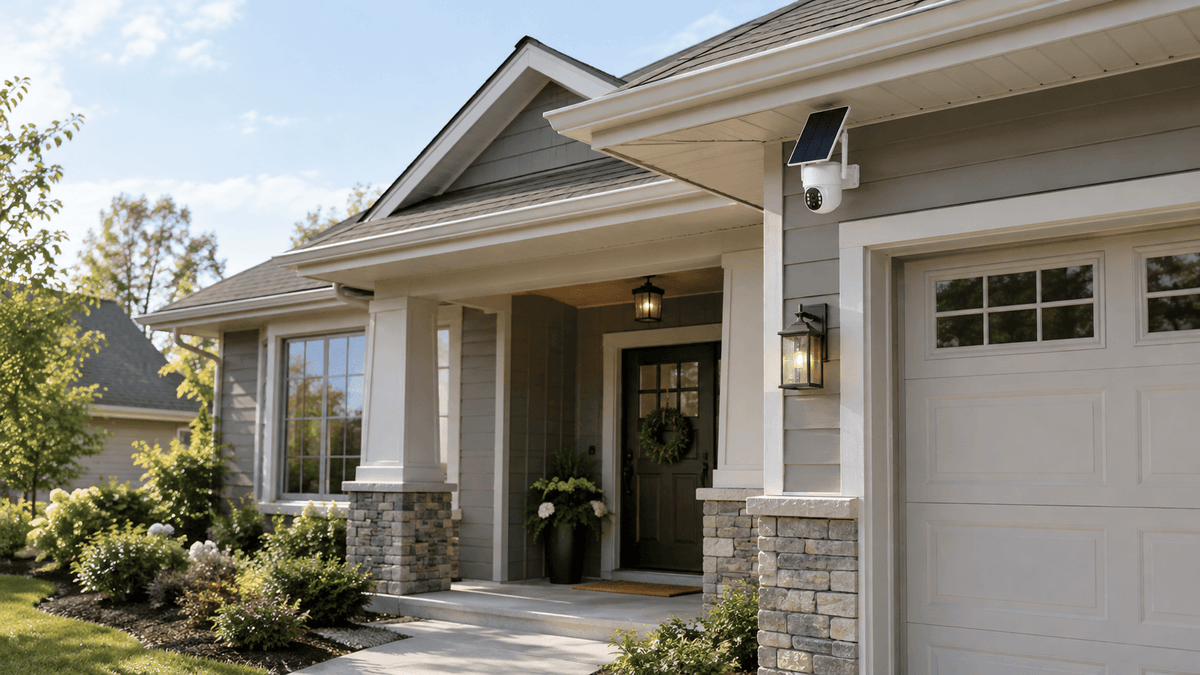
Security cameras play an important role in protecting homes, driveways, garages, backyards, and commercial properties. But one common question homeowners ask before choosing a security camera system is: How long do security cameras keep footage?
The answer depends on several factors, including the recording method, available storage capacity, video resolution, recording settings, and whether the system uses local storage or cloud storage.
Understanding how security camera footage storage works can help you choose the right home security camera system, manage recorded videos, and avoid losing important evidence when you need it most.
In this guide, we'll explain how security camera recording works, what affects video storage, how loop recording manages older footage, and how to choose a reliable security camera system for your property.
How Long Do Security Cameras Keep Footage?
There is no single storage period that applies to every security camera. Different security camera systems use different storage methods and recording settings, so the amount of footage available for playback can vary significantly.
For example, a wireless security camera system with a local hard drive works differently from a standalone camera that saves recordings to an SD card. A cloud-based security camera may also follow different storage rules depending on its service plan.
Several factors determine how long security cameras keep footage:
-
Storage capacity: The available space on an NVR hard drive, SD card, or cloud storage account affects how much recorded video can be retained.
-
Video resolution: Higher-resolution recordings contain more detail and generally require more storage space.
-
Recording mode: Continuous recording creates video throughout the day, while motion detection recording captures footage when qualifying activity is detected.
-
Number of cameras: Multiple cameras recording to the same storage device share its available capacity.
-
Recording settings: Frame rate, video compression, image quality, and recording schedules can influence storage consumption.
-
Storage management: Some systems use loop recording to manage storage automatically, while others may require manual file management or follow cloud retention policies.
Rather than focusing only on a specific number of days, it is important to understand how your security camera system stores, organizes, and manages recorded footage.
How Does Security Camera Footage Storage Work?
Most modern security cameras store recordings using one or more of three methods: local storage, network video recorder storage, or cloud storage.
1. Local Storage: SD Cards and Built-In Storage
Some security cameras save recorded video directly to a microSD card or another supported local storage device.
Local storage can be useful for standalone cameras, including certain outdoor and solar-powered security cameras. It allows recordings to be saved near the camera without relying entirely on a remote cloud service.
However, local storage has limitations. Its capacity depends on the supported storage device, and recordings may become unavailable if the card is damaged, removed, or overwritten. Compatibility, maximum supported capacity, and recording features vary by camera model.
When choosing a local storage security camera, check whether it supports continuous recording, motion-triggered recording, scheduled recording, or loop recording.
2. NVR Storage: A Practical Option for Multi-Camera Systems
A network video recorder (NVR) is designed to receive and store video from compatible security cameras.
An NVR security camera system is particularly useful for homeowners who want to monitor several areas, such as a front entrance, driveway, backyard, garage, or side gate.
Unlike a standalone camera that stores recordings on its own memory card, a wireless security camera system with an NVR can centralize footage from multiple connected cameras in one place.
For example, Camcamp's SC43 security camera system includes a 10.1-inch NVR monitor and a 500GB hard drive. This setup provides local video storage and a dedicated screen for viewing compatible connected cameras.
With an NVR system, you can review recorded events, monitor multiple camera feeds, and manage footage from a central location. The actual amount of video retained depends on the system's recording configuration, number of cameras, video settings, and storage management features.
3. Cloud Storage: Accessing Footage Online
Cloud storage allows compatible security cameras to upload recordings to remote servers rather than relying exclusively on a local storage device.
Depending on the camera and service, cloud storage may support remote playback, video downloads, and access from a mobile app or computer.
However, cloud storage often depends on a subscription, supported features, internet connectivity, and the provider's retention policy. Not every camera includes cloud storage, and some models may offer local storage as an alternative.
Before choosing a cloud-based security camera, review its subscription requirements, supported recording features, privacy controls, and video retention terms.
For homeowners who prefer to keep recordings locally, an NVR or compatible local-storage camera may be a more suitable option.

What Affects Security Camera Recording Storage?
Understanding the factors that affect storage helps you select a security camera system that matches your property and monitoring needs.
Video Resolution and Quality
Video resolution determines how much visual detail a recording contains. A higher-resolution security camera can capture clearer details, which may help when reviewing a person's appearance, a vehicle, or activity around an entrance.
However, higher-quality video generally requires more storage space when other settings remain comparable.
If storage efficiency is important, check whether your camera allows you to adjust resolution, frame rate, or video compression without sacrificing more detail than your security needs allow.
Continuous Recording vs. Motion Detection
Continuous recording captures video throughout the configured recording period. This approach can help when you need to review activity before, during, and after an incident.
Motion detection recording works differently. The camera records when its detection system identifies qualifying movement, according to its settings.
For many residential properties, motion detection recording can reduce unnecessary video storage by focusing on events rather than recording every moment.
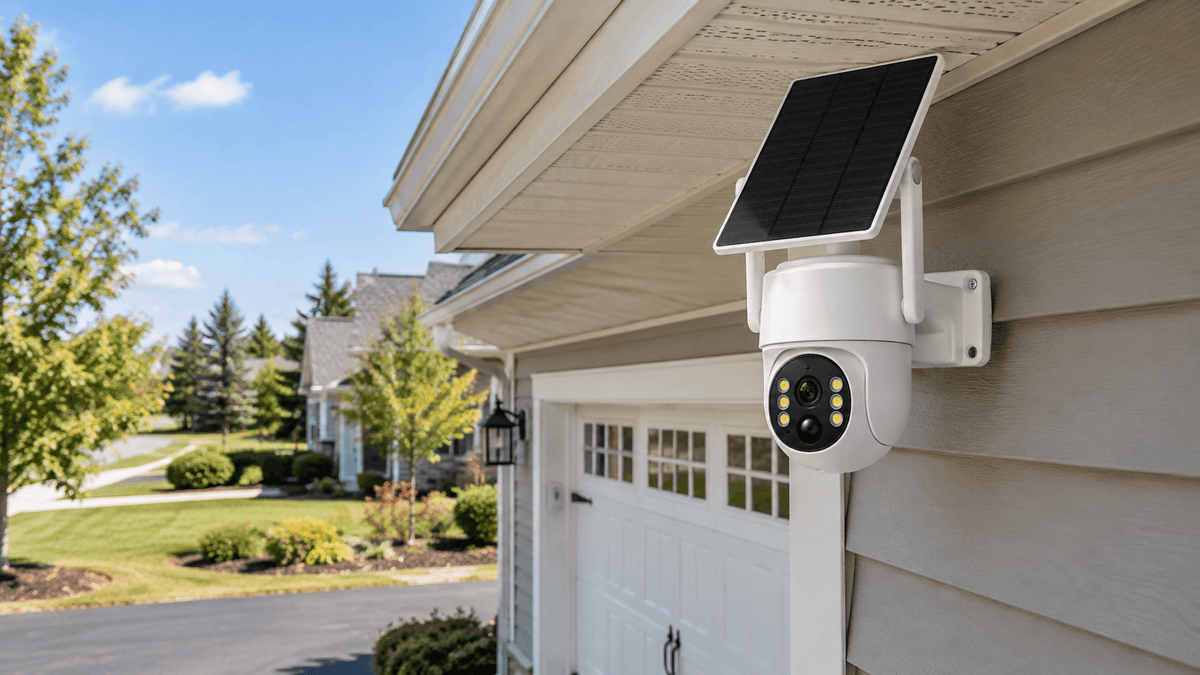
Solar-powered security cameras commonly use motion-triggered recording and low-power operation to help conserve battery energy. Their available recording modes depend on the specific model.
When comparing security cameras, check whether the device supports continuous recording, motion detection recording, or both.

Number of Cameras and Recording Settings
A multi-camera security system may cover more areas, but the cameras also share the available storage resources when they record to the same NVR.
For example, a system monitoring a driveway, backyard, front door, and garage may generate more video than a single-camera installation.
Recording schedules, video quality, frame rate, compression, and motion activity can all influence how quickly storage is used.
Choosing the right combination of camera coverage and recording settings can help you balance image quality, security needs, and storage efficiency.
What Is Loop Recording on Security Cameras?
Loop recording is a storage management feature designed to keep a compatible security camera recording without requiring you to manually delete older footage every time storage becomes full.
When the available storage reaches its capacity, a system with loop recording typically overwrites older recordings with new footage according to its configured behavior.
This allows recording to continue as new events occur, provided the camera and storage system are operating correctly.
For example, a compatible NVR security camera system may continue recording new activity while gradually replacing older video stored on its hard drive. A camera using a memory card may work similarly if loop recording is supported and enabled.
There are several important things to understand about loop recording:
-
Older footage may be overwritten: Recordings you still need could be replaced by newer video.
-
Settings vary by model: Not every camera or recorder supports the same storage management features.
-
Important clips should be backed up: Download or export essential footage before it is overwritten.
-
Storage problems still matter: A full, damaged, incompatible, or improperly configured storage device can affect recording.
Loop recording is convenient for ongoing security monitoring, but it should not be treated as a permanent archive. If an incident occurs, save the relevant recording as soon as possible.

How to Save Important Security Camera Footage
If your security camera captures a break-in, suspicious activity, property damage, or another important event, preserving the recording should be a priority.
Follow these general steps:
-
Open the camera app or recorder interface. Access the playback section using the supported app, monitor, or computer software.
-
Locate the recording. Use the timeline, date, time, or event list to find the relevant footage.
-
Review the video. Confirm that the clip includes the activity you need to document.
-
Export or download the clip. Follow the camera manufacturer's instructions for saving recordings to a compatible device.
-
Create a backup. Keep another copy on a secure computer, external drive, or other suitable storage location.
-
Protect the original evidence. Avoid editing the only copy of an important recording, and preserve relevant timestamps and context.
The exact steps depend on your camera model and recording method. Some systems support direct downloads through an app, while others require exporting footage from an NVR or removing a compatible memory card.
If you expect to need recordings for insurance claims or law enforcement, follow the relevant organization's instructions for preserving and submitting digital evidence.

How to Choose a Security Camera System With the Right Storage
The best security camera system is not necessarily the one with the largest storage device. It is the system that offers the right combination of coverage, recording options, storage management, and convenient playback.
Consider the following questions before buying:
-
Do you need to monitor one location or several areas around your property?
-
Would you prefer a central NVR with a hard drive or a standalone camera with local storage?
-
Do you need continuous recording, motion-triggered recording, or both?
-
Is remote playback through a mobile app important to you?
-
Do you want to avoid relying entirely on cloud storage subscriptions?
-
Will the cameras operate indoors, outdoors, or in locations without convenient power access?
For homeowners who want centralized local recording and a dedicated viewing screen, the Camcamp SC43 wireless security camera system is worth considering. Its 10.1-inch NVR monitor and 500GB hard drive provide a practical starting point for managing recordings from a compatible multi-camera setup.
For outdoor locations, solar-powered security cameras may also be useful where running power cables is inconvenient. Before choosing a solar model, check its recording modes, storage compatibility, connectivity requirements, and power specifications.
The key is to select a system that fits your property and understand how its storage features work before relying on it for security.
FAQ
Do security cameras automatically delete old footage?
Some security cameras and NVR systems use loop recording to overwrite older footage when storage fills up. Other systems may stop recording, require manual file management, or follow different cloud storage policies. Check your model's settings and documentation.
Does a security camera keep recording when storage is full?
A compatible system with loop recording can typically continue recording by overwriting older footage. However, recording behavior depends on the device, available storage, configuration, and whether the system is functioning properly.
Can I keep security camera footage permanently?
Permanent retention generally requires exporting important recordings and maintaining a separate archive. Standard loop recording is designed for ongoing storage management, not permanent preservation.
Is local storage better than cloud storage?
Neither option is best for every homeowner. Local storage offers direct control over recordings and may reduce dependence on cloud subscriptions. Cloud storage can provide remote access and off-site copies, depending on the service. Some users prefer a system that supports both.
Does a wireless security camera need an internet connection to record?
It depends on the camera. Some cameras can record locally without continuous internet access, while cloud-dependent features and remote viewing usually require connectivity. Wireless cameras may also have different power and network requirements, so review the specifications of the model you choose.
Final Thoughts
So, how long do security cameras keep footage? The answer depends on storage capacity, video quality, recording mode, camera count, and storage management settings.
Understanding these factors is more useful than assuming every security camera follows the same retention schedule. Local storage, NVR hard drives, and cloud services all offer different approaches to recording and playback.
For homeowners looking for a practical way to monitor their property, choosing a reliable security camera system with suitable storage and understanding its loop recording behavior can make a real difference.
Explore Camcamp security camera systems to find a setup that fits your property, recording preferences, and everyday monitoring needs.

Leave a comment
This site is protected by hCaptcha and the hCaptcha Privacy Policy and Terms of Service apply.