
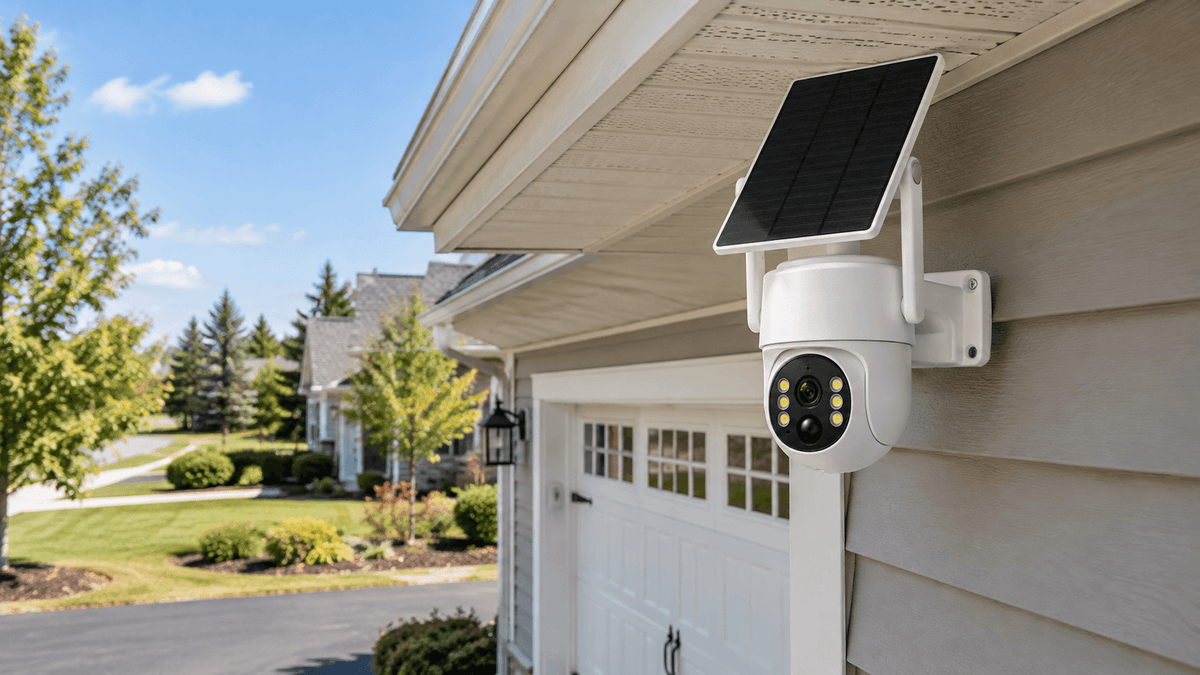
Home security cameras have become an essential part of modern home protection. From monitoring your front door and driveway to keeping an eye on your backyard, a security camera system helps homeowners stay aware of what is happening around their property. But how do security cameras work, and what happens after a camera detects movement?
Understanding how security cameras capture images, transmit video, record footage, and send alerts can help you choose the right home security system for your needs.
In this guide, we explain how security cameras work, explore the differences between wired and wireless cameras, explain night vision and motion detection, and show you what to consider when choosing a reliable home security camera system.
1. How Do Security Cameras Work?
At their core, security cameras work by capturing images through a lens, converting light into digital video, and sending or saving that video so you can review it later.
Most modern home security cameras combine several components: an image sensor, a processor, a motion detection system, a power source, and a recording or transmission method.
Here is how the process generally works:
-
Image capture: The camera lens focuses incoming light onto an image sensor, which converts it into digital image data.
-
Video processing: The camera processes the captured images and turns them into video footage.
-
Motion detection: Depending on the model and settings, the camera identifies movement using pixel changes, image analysis, or other detection technologies.
-
Video transmission or storage: The footage is transmitted over Wi-Fi or a cellular network, sent to a recorder, or saved to a local memory card or internal storage.
-
Viewing and alerts: When supported, the camera sends notifications to a connected smartphone or allows users to view recorded clips through an app.
Not every security camera works in exactly the same way. Some models record continuously, while others primarily record when motion is detected. Some connect to a dedicated network video recorder (NVR), while others use cloud storage or local memory cards.
Understanding these differences is the first step toward selecting a security camera that fits your home.
2. How Do Security Cameras Record and Store Video?
A security camera does more than capture images. It also needs a way to preserve footage so homeowners can review important events.
The recording method depends on the camera system.
Local Storage
Many security cameras save footage to a microSD card or another local storage device. This option can be convenient for homeowners who want to access recordings without paying for a cloud subscription.
However, storage capacity is limited. Some cameras overwrite older footage automatically when storage fills up, depending on their recording settings and supported storage features.
NVR Recording Systems
A network video recorder, commonly called an NVR, stores footage from compatible network cameras on a connected hard drive. This setup is useful for homeowners who want to manage multiple cameras from one central location.
For example, a home security camera system with an NVR can help you review recordings from different areas of your property without checking each camera individually. Storage capacity, recording schedules, and overwrite behavior depend on the specific recorder and its configuration.
Cloud Storage
Some security cameras upload recordings to remote servers. Cloud storage can make footage accessible from different locations, but availability, retention periods, and subscription requirements vary by manufacturer and service plan.
Before purchasing a security camera, check where footage is stored, how long it can be retained, and whether ongoing fees are required.

3. Wired vs. Wireless Security Cameras: What's the Difference?
One of the most common questions homeowners ask is whether wired or wireless security cameras are better.
The answer depends on your property's layout, available power sources, network coverage, and preferred installation method.
Wired Security Cameras
Wired security cameras use physical cables for power, data transmission, or both. Some systems use Power over Ethernet (PoE), which allows compatible cameras to receive power and transmit data through a single Ethernet cable.
Wired systems can provide a stable connection and are often suitable for permanent installations. However, installing cables may require more planning, drilling, or professional assistance.
Wi-Fi Security Cameras
Wi-Fi security cameras transmit video over a wireless network. They are often easier to install because they do not require a dedicated data cable between the camera and the network.
However, wireless does not necessarily mean wire-free. A Wi-Fi camera may still need a power adapter, rechargeable battery, or solar panel. Its performance also depends on the quality of the wireless connection.
Solar-Powered Security Cameras
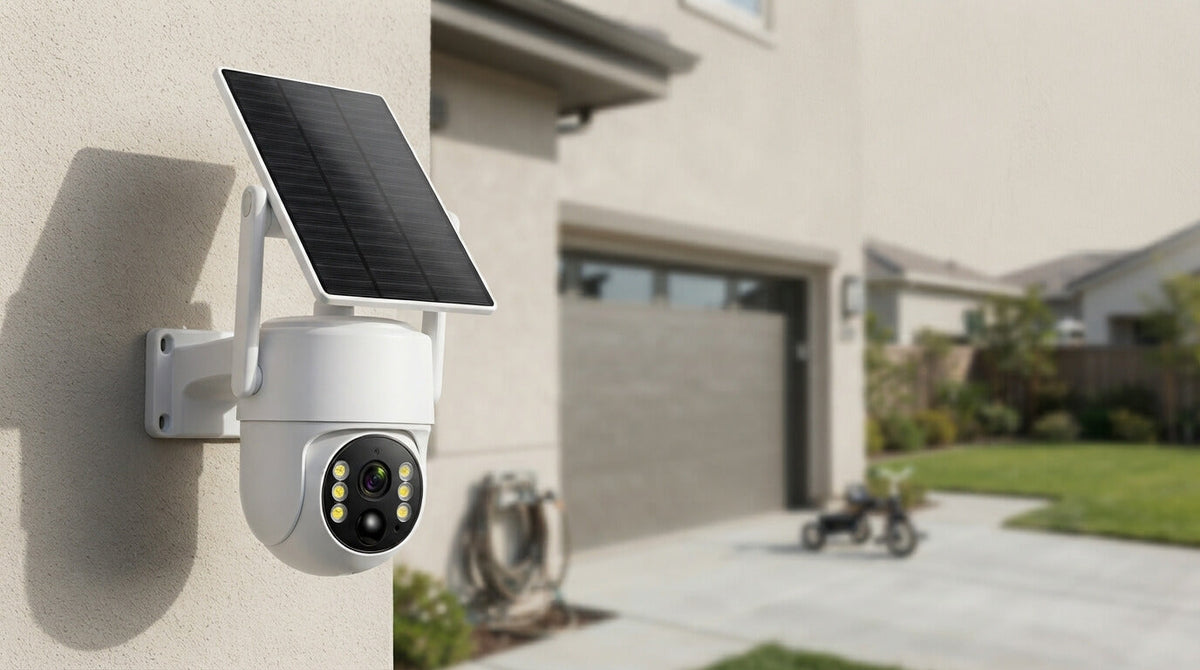
Solar-powered security cameras use a solar panel to recharge a compatible battery, helping reduce the need for frequent manual charging. They can be particularly useful for driveways, gardens, sheds, and other locations where running power cables is difficult.
Actual performance depends on sunlight exposure, weather conditions, battery capacity, and recording activity. A solar camera still needs a suitable way to transmit or store footage, so check whether it connects through Wi-Fi, cellular service, or a dedicated recorder.
When comparing wireless security cameras, always distinguish between the power source and the network connection. These are two separate parts of how a camera works.

4. How Does Motion Detection Work in Security Cameras?
Motion detection allows a security camera to identify activity without requiring every event to be reviewed manually.
Many cameras detect motion by comparing consecutive images and identifying changes within the scene. More advanced models may use image-processing algorithms or artificial intelligence to distinguish people, vehicles, animals, and other objects.
When movement meets the camera's detection criteria, the system may begin recording, save an event clip, activate a light, or send a smartphone notification.
However, motion detection is not perfect. Moving branches, insects, changing shadows, rain, and other environmental conditions can trigger unwanted alerts. Camera placement and sensitivity settings can make a significant difference.
For better results:
-
Position the camera to cover important entry points and frequently used pathways.
-
Adjust motion sensitivity to suit the environment.
-
Avoid aiming directly at busy roads if vehicle traffic creates unnecessary alerts.
-
Use person or vehicle detection features when supported.
-
Test detection zones after installation to make sure important areas are covered.
Some security cameras also offer automatic tracking or pan-tilt-zoom functionality. These features can help follow movement across a wider area, although tracking performance depends on the camera model and the subject's movement.
5. How Do Security Cameras Work at Night?
Nighttime security footage depends on available light and the camera's low-light capabilities.
Many outdoor security cameras use infrared (IR) LEDs to illuminate a scene with light that is generally invisible to the human eye. The camera's image sensor can detect this infrared light, allowing it to produce night vision footage in low-light or dark environments.
Infrared night vision is typically displayed in black and white. Other cameras use low-light color imaging or built-in white lights to produce color footage when sufficient visible light is available.
There are also differences between infrared technologies. Some cameras use visible red-glow infrared LEDs, while no-glow models use wavelengths designed to be less noticeable to people and wildlife.
For homeowners monitoring a backyard, garden, or wildlife area, night vision performance is especially important. The usable range depends on infrared illumination, lens design, sensor sensitivity, weather, and the size of the subject being recorded.
A camera advertised with a particular night vision distance may not capture clear identifying details at that entire distance. For the best results, choose a camera suited to the size of your monitoring area and test its nighttime performance after installation.

6. Do Security Cameras Need Wi-Fi or an Internet Connection?
Not all security cameras require the same type of connection.
A Wi-Fi security camera generally uses a wireless network to communicate with an app, router, or compatible recording system. Remote viewing and smartphone notifications typically require an appropriate network and internet access.
A cellular security camera uses a mobile network, such as 4G LTE, to transmit supported data. These cameras can be useful in locations without a nearby Wi-Fi network, provided cellular coverage is available and the required service plan is active.
Some security cameras connect directly to a compatible NVR for recording on a local network. Depending on the system, local recording may continue even when internet access is unavailable, although remote viewing and cloud-related features may stop working.
It is also important to distinguish between a camera's ability to record and its ability to send live video. A camera may save footage locally without providing remote live viewing.
Before choosing a system, ask yourself:
-
Is Wi-Fi available where the camera will be installed?
-
Do you need remote live viewing or only recorded footage?
-
Is a cellular data plan required?
-
Can the system record locally if the internet goes down?
-
Does the camera require a subscription for specific features?
These questions can help you avoid buying a camera that does not match your property or monitoring requirements.
7. How to Choose the Right Home Security Camera System
The best home security camera system is one that provides suitable coverage, dependable recording, and convenient access to footage.
Start by identifying the areas you want to monitor. A front porch may need a camera with a suitable viewing angle and reliable motion alerts, while a large backyard may benefit from wider coverage, night vision, or a pan-tilt camera.
Next, consider the following features.
Video resolution: Higher resolution can reveal more detail, but actual image quality also depends on the sensor, lens, lighting, and compression.
Field of view: A wider viewing angle covers more area, while a narrower angle may provide more detail on a specific entrance or target.
Power supply: Choose between mains power, rechargeable batteries, solar-assisted charging, or another supported option based on the installation location.
Storage options: Decide whether local memory, an NVR hard drive, cloud storage, or a combination best suits your needs.
Weather resistance: Outdoor security cameras should be rated for the environmental conditions where they will be installed.
App access: If remote monitoring matters to you, check the supported app, notification options, sharing features, and connection requirements.
Privacy and security: Use strong passwords, enable available account protection features, install firmware updates, and review who has permission to access your cameras.
For homeowners who want to monitor multiple areas, a multi-camera system with centralized recording can be easier to manage than several independent cameras. For more remote locations, a solar-powered or cellular camera may be a better fit.

8. Why Choose a Camcamp Security Camera System?
Camcamp offers security camera solutions designed for different home monitoring needs, from wireless outdoor cameras to systems with centralized recording.
For homeowners who want to monitor several areas of a property, a compatible Camcamp NVR security camera system can bring recordings together in one place. Depending on the model, features may include high-resolution video, local hard-drive storage, motion detection, and app-based access.
For locations where running power cables is inconvenient, Camcamp's solar-powered security cameras can provide a more flexible installation option. Solar-assisted charging can reduce the need for manual battery charging, although performance depends on sunlight and usage.
If you prefer a simpler installation, a Wi-Fi security camera may suit areas within reliable wireless coverage. If you need to monitor a larger property, consider the camera count, viewing angles, recording capacity, and network requirements before selecting a complete system.
The key is to choose a solution based on how you actually use your property. A front entrance, detached garage, garden, and remote wildlife area may each have different monitoring requirements.
Explore Camcamp security camera systems to compare available features and find an option that fits your home.
FAQ
Do security cameras record all the time?
Some cameras support continuous recording, while others record when motion is detected or according to a schedule. Recording behavior depends on the model, storage capacity, power supply, and settings.
Can security cameras work without Wi-Fi?
Yes. Some cameras record locally, connect to a compatible NVR, or use cellular networks instead of Wi-Fi. However, remote viewing and notifications may require internet access or an active cellular data plan.
Do wireless security cameras need to be plugged in?
Not always. Some wireless cameras use rechargeable batteries or solar panels, while others still require a power adapter. Wireless describes the connection method and does not automatically mean the camera is battery-powered.
How long do security cameras keep footage?
Retention depends on storage capacity, video quality, recording frequency, and storage settings. Some systems automatically overwrite older recordings when storage fills up. Check the supported storage options and retention settings for your camera.
Are security cameras effective at night?
Many modern security cameras offer infrared night vision or low-light imaging. Performance varies by model, lighting conditions, subject distance, and environmental factors.
Final Thoughts
Understanding how security cameras work makes it easier to choose a home security system that matches your needs. From motion detection and night vision to Wi-Fi connectivity and NVR storage, each feature plays a role in how effectively a camera captures, saves, and delivers footage.
Before buying, consider your property's layout, available power, network coverage, recording preferences, and nighttime monitoring requirements.
With the right setup, a reliable home security camera system can help you monitor important areas, review activity, and make more informed decisions about protecting your property.
Explore Camcamp's security camera solutions to find the right combination of coverage, recording, and convenience for your home.

Leave a comment
This site is protected by hCaptcha and the hCaptcha Privacy Policy and Terms of Service apply.