
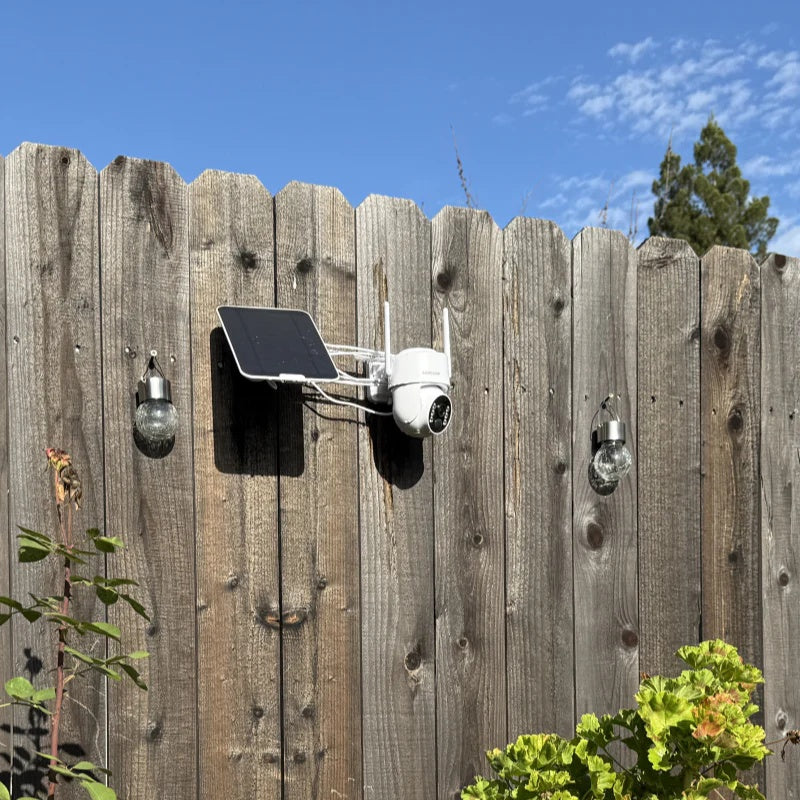
With the increasing popularity of smart homes, wireless home security camera systems have become the preferred choice for more and more families, yards, and shops. Compared to traditional wired monitoring systems, wireless security cameras are simpler to install, require less wiring, and offer features such as remote viewing, intelligent detection, and cloud storage.
This article will focus on the topic of "How to install a wireless home security camera system," using the actual functions of the Camcamp wireless security camera to explain in detail the complete process from preparation to installation and post-installation setup, helping you quickly complete your home security deployment.
1. Preparations Before Installing a Wireless Security Camera
Before officially installing the Camcamp wireless security camera, completing the following preparations can significantly improve installation efficiency and the subsequent user experience.
1.1 Define Monitoring Needs and Installation Location
First, you need to determine the area you want to monitor, such as:
Front door or yard, backyard, garage, living room or children's room, shop frontage or warehouse.
Camcamp wireless security cameras mostly feature wide-angle lenses, and some models support dual lenses or pan-tilt rotation. It is recommended to choose a location with an unobstructed view that covers the main activity area.
1.2 Check Network Environment
Wireless security cameras can be used via Wi-Fi or offline. The difference is that when connected to Wi-Fi, you can view and control the camera anytime via a mobile app; when not connected to Wi-Fi, you can only view it locally, such as on some monitors.

2. Camp Wireless Security Camera Installation Steps
Step 1: Download and install the official Camp app
Step 2: Add the device and complete network configuration
After opening the app, follow the prompts:
Register or log in to your account
Click “Add Device”
Scan the QR code on the camera or select the corresponding model
Enter your Wi-Fi information to complete the network connection
Camcamp's app interface is user-friendly; even beginners can complete device pairing within minutes.
Step 3: Secure the camera position
Camcamp security cameras typically support wall mounting or ceiling mounting:
Use the included mounting bracket and screws to secure the camera.
Adjust the camera angle to ensure the image covers the target area.
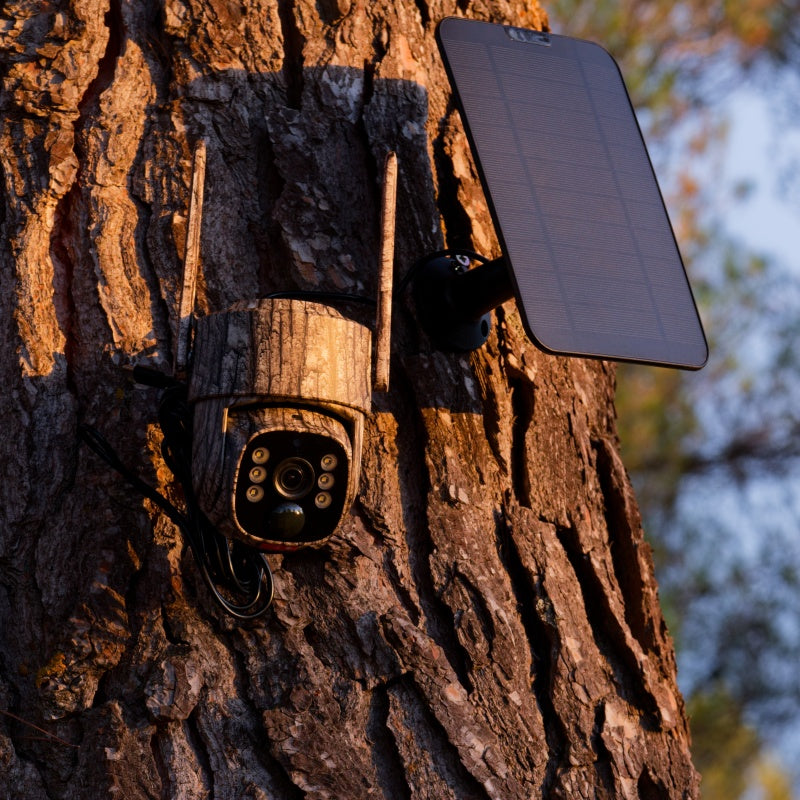
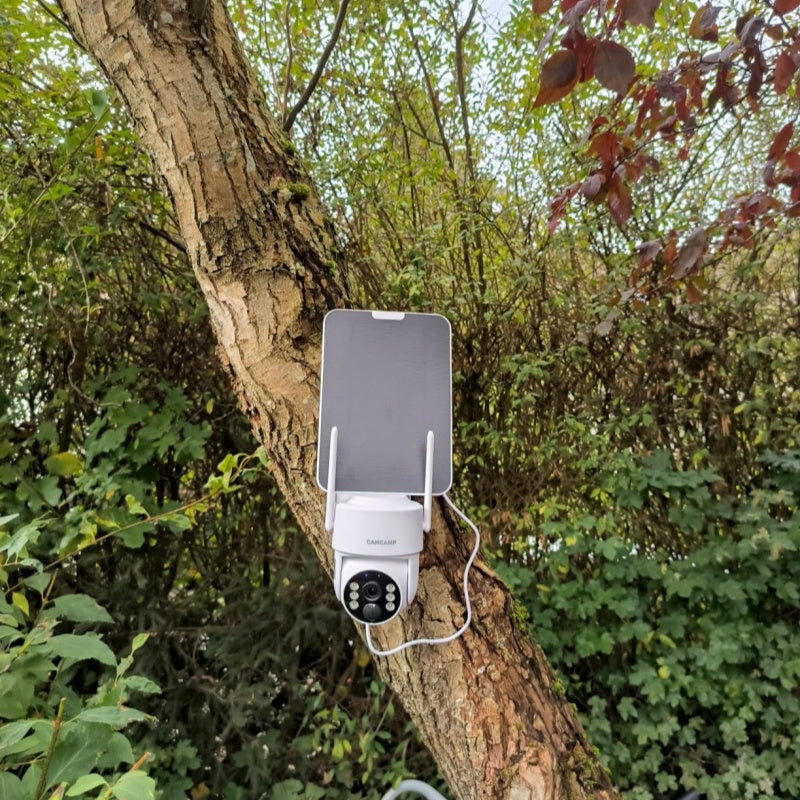
For outdoor installation, protect from rain and direct sunlight.
For Camp models that support pan-tilt rotation, the viewing angle can be remotely adjusted via the app even after installation.
Step 4: Enable Live Monitoring and Test Screen
After installation:
View live footage in the App
Check clarity, night vision, and viewing angle
Test the two-way audio function (if supported by the device)
Camcamp wireless security cameras typically feature high-definition image quality + infrared or color night vision, ensuring clear recording even at night.

3. Set up smart security functions to enhance security levels
3.1 Enable motion detection and alarm notifications
Customize the following in the App:
Motion detection sensitivity
Alarm zone (avoiding false alarms)
Real-time push notifications to your phone
The Campcamp camera will immediately alert you when someone enters the monitored area.
3.2 Configure recording and storage methods
Camcamp typically supports:
Local Micro SD card storage
Cloud storage (optional subscription)
You can choose 24-hour recording or event-triggered recording according to your needs, which is both secure and efficient.
3.3 Family Member Sharing Permissions
The device can be shared with family members via the app:
Set different viewing permissions
The whole family works together to protect home security
Perfect for families with elderly members, children, or pets.

4. Why Choose Camcamp Wireless Home Security Cameras?
Choosing Camcamp isn't just about easy installation; it offers multiple advantages in practical use:
Truly wireless design for flexible installation
High-definition image quality, clear day and night
Intelligent motion detection reduces false alarms
Supports solar power for worry-free outdoor use
Remote viewing via mobile phone, monitor home security anytime
Whether it's an apartment, a detached house, or a small shop, Camcamp wireless security cameras provide reliable security.
5. Conclusion
Camcamp wireless security cameras combine "easy installation + intelligent protection," simplifying home security.
If you're looking for an easy-to-install, stable, and cost-effective wireless home security solution, Camcamp is undoubtedly a worthwhile option to consider.
#WirelessHomeSecurityCamera
#HowToInstallSecurityCamera
#CamcampSecurityCamera
#HomeSecuritySystem
#SmartHomeSecurity
#WirelessSecurityCamera
#OutdoorSecurityCamera
#HomeSecurityCamera
#WirelessSecuritySystem

Leave a comment
This site is protected by hCaptcha and the hCaptcha Privacy Policy and Terms of Service apply.