
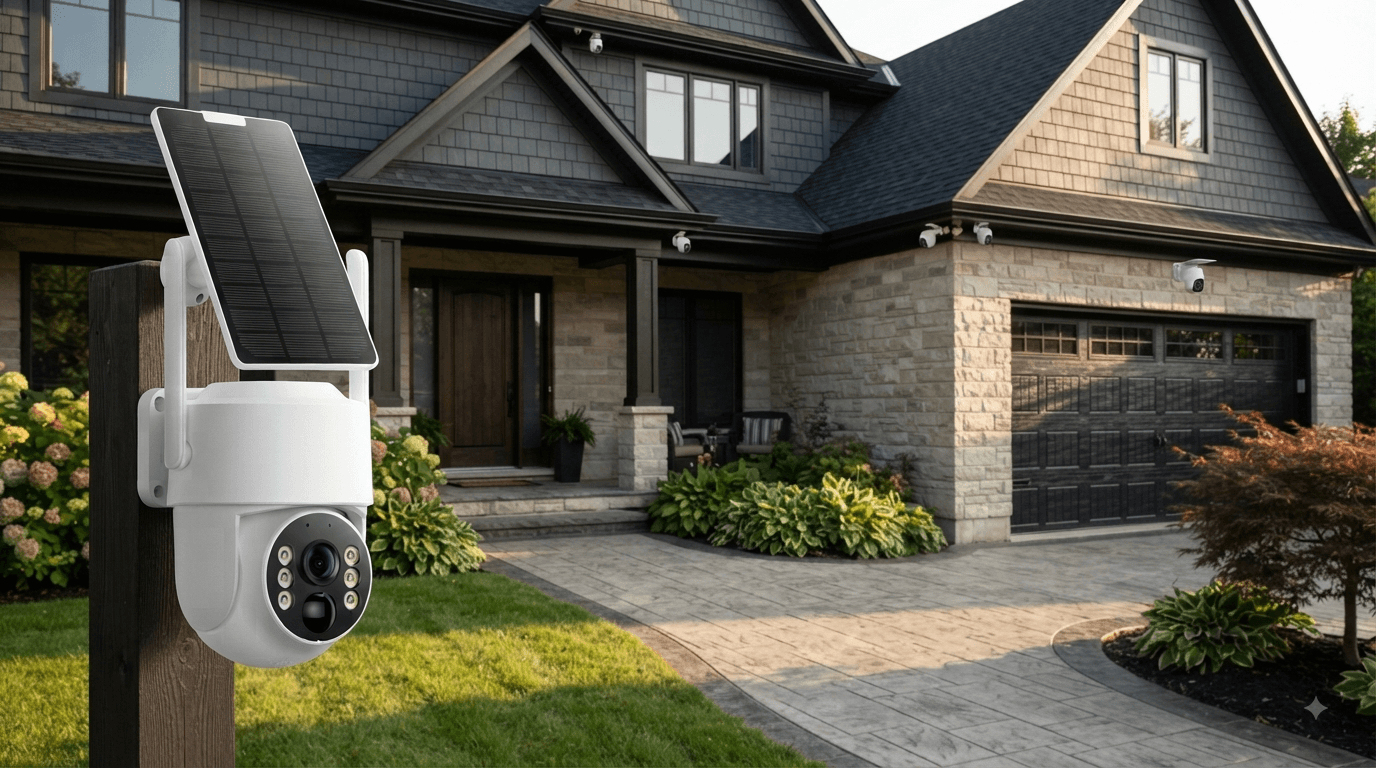
Security cameras have become one of the most practical tools for protecting a home, driveway, backyard, garage, or other property. But how do security cameras actually work?
Modern home security cameras combine several technologies—including image sensors, motion detection, video processing, wireless or wired connectivity, storage, and mobile apps—to detect activity and help homeowners monitor their property.
Some security cameras connect directly to WiFi, while others use an NVR for local recording. Solar-powered security cameras can also reduce the need for electrical wiring, making outdoor installation easier.
In this guide, we'll explain how security cameras work, how they record video, how motion detection works, where footage is stored, and what homeowners should consider when choosing a security camera system.
How Do Security Cameras Work?
At a basic level, a security camera follows a simple process:
Detect → Capture → Process → Store → Alert → View
When a camera detects movement, its image sensor captures video or images. The camera then processes the footage and either stores it locally, sends it to an NVR, uploads it to cloud storage, or makes it available through a connected app.
Depending on the security camera system, homeowners may be able to:
- View live video
- Record security footage
- Receive motion alerts
- Review previous recordings
- Monitor a property remotely
- Communicate through two-way audio
- Watch footage during the day or at night
This basic process is shared by many modern home security camera systems, although the exact technology varies between models.

What Are the Main Parts of a Security Camera System?
A typical security camera system includes several important components.
1. Camera and Image Sensor
The camera lens captures light and sends it to an image sensor. The sensor converts the incoming light into digital video.
Higher-resolution cameras can capture more detail, which can be particularly useful when monitoring entrances, driveways, or larger outdoor areas.
For example, the Camcamp SC43 uses a 4MP camera with a 2560 × 1440 resolution, providing detailed video for outdoor home surveillance.
2. Motion Detection
Many modern security cameras don't need to record every second continuously.
Instead, they can use motion detection to identify activity and start recording when movement occurs.
The SC43 uses PIR motion detection with a detection distance of up to approximately 30 feet. When movement is detected, the system can automatically record and send alerts.
Motion detection is particularly useful for:
- Front doors
- Driveways
- Backyards
- Side entrances
- Garages
- Gates
It can also reduce unnecessary recordings and make important events easier to find.
How Does Security Camera Night Vision Work?
Security cameras need to work even when there isn't enough visible light.
That is why many outdoor security cameras use night vision technology.
Traditional infrared night vision typically uses infrared LEDs to illuminate the scene. The camera sensor can then capture details that are difficult or impossible to see with the human eye.
Some newer systems also use color night vision, which combines additional lighting and image-processing technology to provide more detailed nighttime footage.
The Camcamp SC43 uses a 4MP color night vision system designed to provide clearer images in low-light conditions.
For homeowners, good night vision is especially important for:
- Front entrances
- Driveways
- Garages
- Backyards
- Side yards
- Areas around gates and fences

How Do Security Cameras Store Video?
Security camera footage needs somewhere to go after it is recorded.
There are three common storage methods:
Local Storage
Local storage saves video directly to a device such as an SD card, hard drive, or NVR.
An important advantage is that homeowners can access recordings without relying entirely on cloud storage.
NVR Storage
An NVR, or Network Video Recorder, stores footage from multiple security cameras in one centralized location.
This is particularly useful for homeowners who want to monitor several areas of a property.
For example, the Camcamp SC43 includes a 10-channel NVR and a pre-installed 500GB hard drive. The system can support up to 10 cameras, allowing homeowners to expand coverage as their security needs grow.
Cloud Storage
Some security cameras upload recordings to cloud servers. Cloud storage can make footage accessible from different locations, but it may involve subscription fees depending on the manufacturer.
When choosing a system, homeowners should consider where their footage is stored, how long it is retained, and what ongoing costs may apply.
Connected cameras can contain sensitive video and audio information, so privacy and account security should also be considered when choosing a smart security camera.
Do Security Cameras Need WiFi?
Not always.
This is one of the most common questions homeowners ask.
Some wireless security cameras require WiFi to transmit video and provide remote access. However, other security camera systems can operate locally without an internet connection.
The Camcamp SC43 is an example of a system designed around local monitoring and recording. Its cameras communicate with the included NVR, and the NVR can display and record footage locally without requiring an internet connection. Remote app access requires an internet connection.
This distinction is important:
Local monitoring:
Camera → NVR → Monitor
Remote monitoring:
Camera → NVR/Network → Internet → Smartphone
If you only need local surveillance, a system with an NVR can be a practical choice.
Wired vs. Wireless Security Cameras
Security cameras can generally be divided into wired and wireless systems.
Wired Security Cameras
Wired systems typically use cables to provide power and/or transmit data.
Advantages:
- Stable connection
- Reliable continuous operation
- Suitable for permanent installations
Potential drawbacks:
- More complicated installation
- Cable routing may be required
- Less flexibility when changing camera locations
Wireless Security Cameras
Wireless systems reduce or eliminate the need for network cables.
They are often easier to install and can be particularly convenient for outdoor areas where running cables is difficult.
However, “wireless” does not always mean “wire-free.” Some wireless cameras still require a power cable.
How Do Solar Security Cameras Work?
Solar security cameras combine a rechargeable battery with a solar panel.
During daylight, the solar panel converts sunlight into electrical energy, helping recharge the built-in battery.
This can make solar-powered outdoor security cameras useful for locations where running electrical cables would be difficult.
The Camcamp SC43 uses a rechargeable battery together with a solar panel and is designed as a 100% wireless outdoor security camera system.
Solar security cameras can be especially useful for:
- Driveways
- Large yards
- Detached garages
- Farms
- Gates
- Remote outdoor areas
However, homeowners should still consider sunlight availability, camera placement, and local weather conditions when choosing a solar-powered system.

What Is Two-Way Audio?
Some security cameras include a microphone and speaker, allowing homeowners to communicate through the camera.
This is called two-way audio or two-way talk.
For example, if someone is standing near your front door, you may be able to speak to them through the security camera instead of opening the door.
The Camcamp SC43 supports two-way talk, making it useful for communicating with visitors, delivery drivers, or people near monitored areas.
What Happens When a Security Camera Detects Movement?
A modern security camera can perform several actions after detecting activity.
A typical sequence looks like this:
1. Movement occurs
A person, vehicle, or animal enters the detection area.
2. Motion sensor detects activity
The camera identifies movement using technologies such as PIR detection.
3. Camera starts recording
The system captures video or images.
4. Footage is stored
The recording is saved to an NVR, SD card, or cloud storage depending on the system.
5. Alert is generated
Some systems send notifications to a monitor, smartphone app, or email.
6. Homeowner reviews the event
The user can view live footage or playback the recorded video.
This combination of detection, recording, storage, and alerts is what makes modern security cameras much more useful than traditional video recording equipment.
Where Should You Install Security Cameras?
The best camera locations depend on your home's layout and security risks.
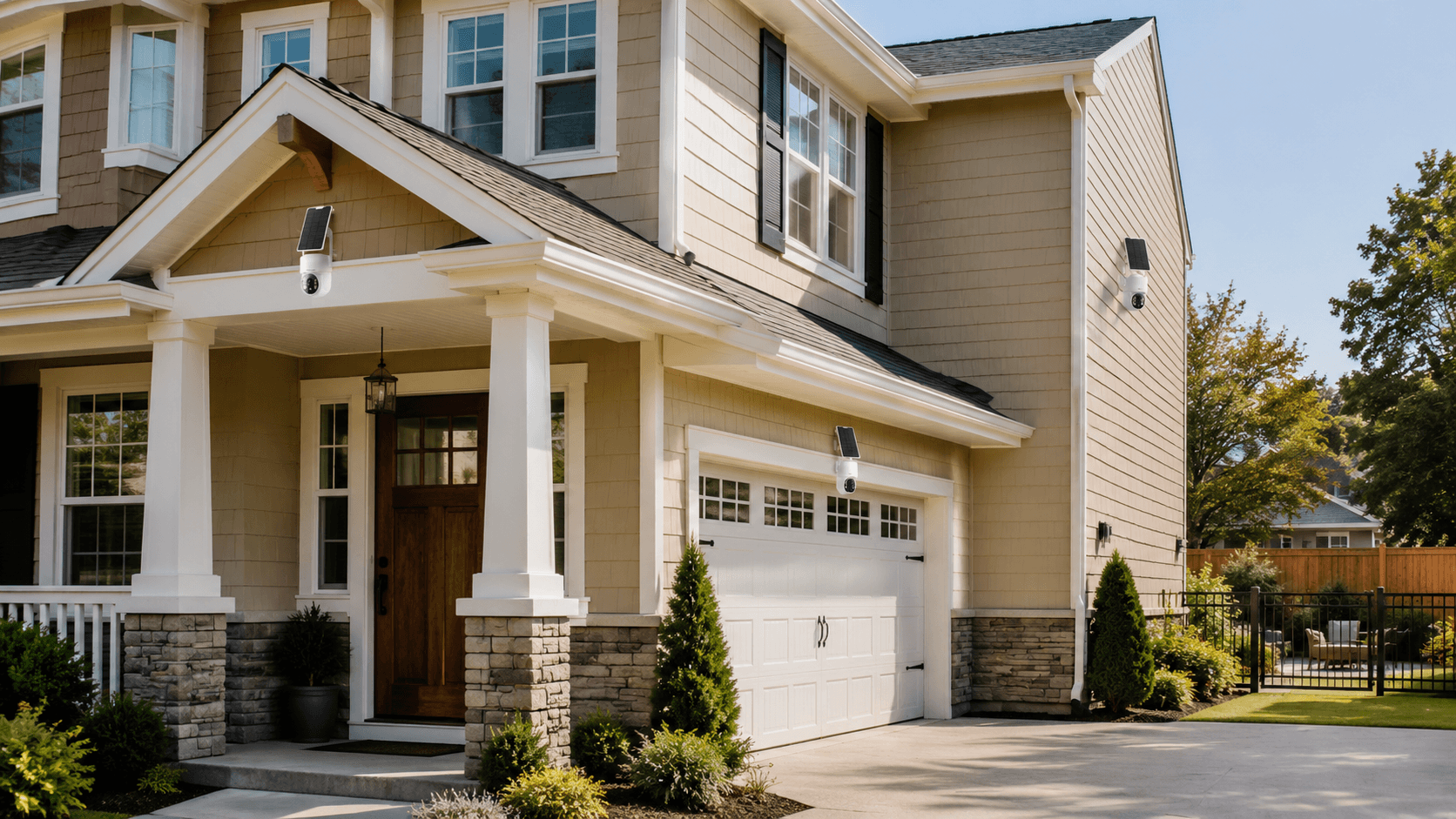
Common installation points include:
Front Door
The front entrance is one of the most important areas to monitor. A camera can help record visitors, deliveries, and suspicious activity.
Driveway
A driveway camera can monitor vehicles and people approaching the property.
Backyard
Backyard cameras can provide additional protection for patios, sheds, pools, and outdoor equipment.
Side Entrance
Side gates and less visible entrances can become blind spots if they are not monitored.
Garage
A camera near the garage can help monitor vehicles, tools, storage areas, and entrances.
For larger properties, multiple cameras positioned around key entry points can provide more complete coverage.
How to Choose a Home Security Camera System
Before buying a security camera system, homeowners should consider several important factors.
Video Resolution
Look for at least Full HD for basic surveillance. Higher-resolution options such as 2K, 2.5K, or 4MP can provide more detail.
Night Vision
If the camera will operate after dark, check the night vision range and whether it provides infrared or color night vision.
Motion Detection
Look for adjustable detection areas and sensitivity settings to help reduce unwanted alerts.
Storage
Consider whether you prefer local storage, an NVR, cloud storage, or a combination.
Power
Battery-powered and solar-powered cameras provide installation flexibility, while wired systems can provide a stable power source.
Connectivity
Determine whether you need WiFi, a local NVR connection, Ethernet, or another connectivity method.
Weather Resistance
For outdoor security cameras, look for weather-resistant construction. The SC43, for example, has an IP66 weatherproof rating for outdoor use.
Remote Access
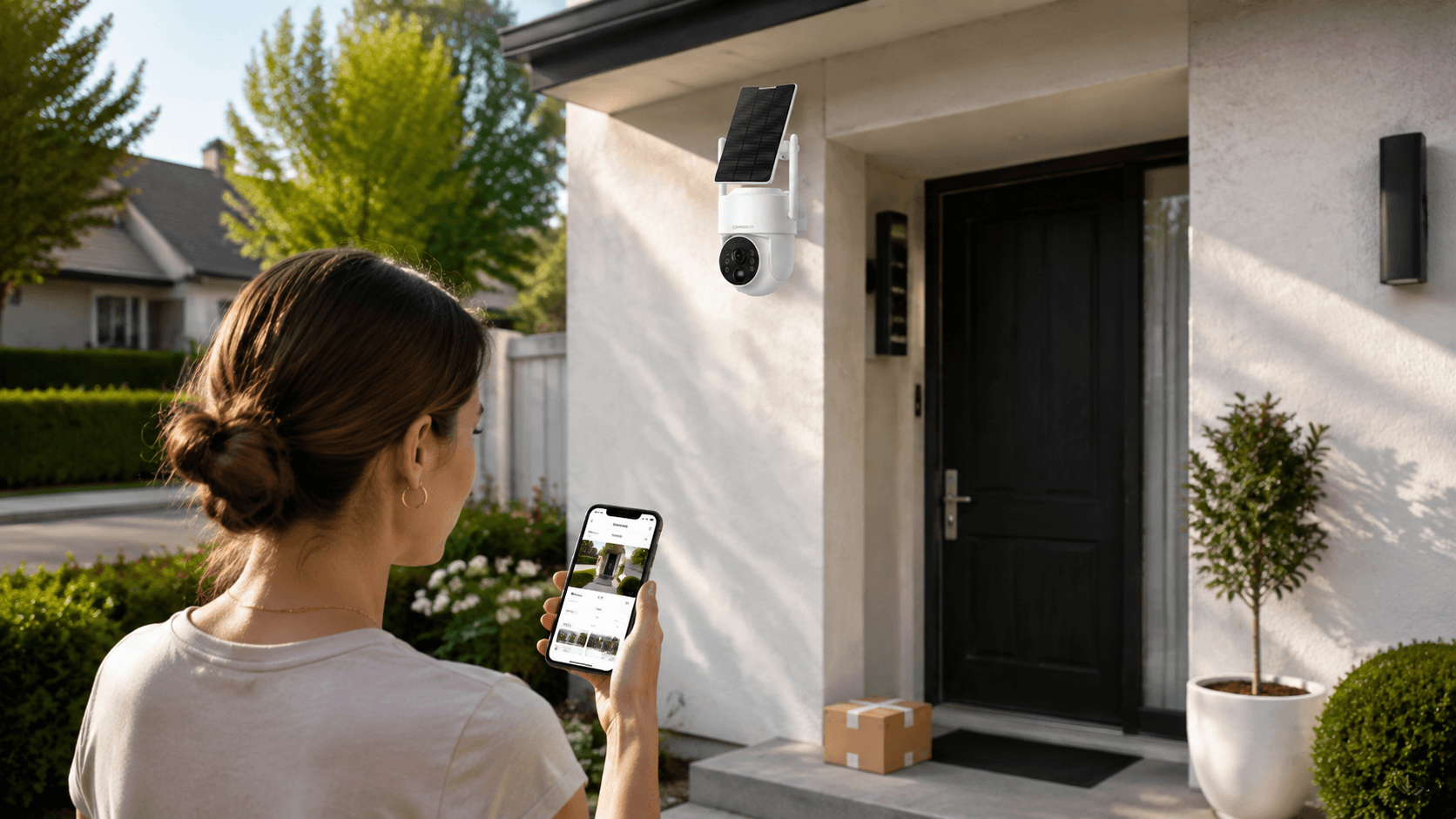
If you want to monitor your property while traveling, make sure the system supports remote smartphone access.
Is a Security Camera System Worth It?
For many homeowners, a security camera system can provide an additional layer of visibility around the property.
The most useful system isn't necessarily the one with the most features. Instead, it should match the home's layout, power availability, monitoring requirements, storage preferences, and budget.
For homeowners looking for an outdoor security camera system with solar power, local recording, motion detection, color night vision, and multi-camera support, the Camcamp SC43 provides an all-in-one option.
Its combination of solar-powered cameras, a 10-channel NVR, 500GB local storage, 4MP video, motion detection, two-way audio, and optional remote app access makes it suitable for homeowners who want broad outdoor coverage without complicated wiring.
Final Thoughts
So, how do security cameras work?
In simple terms, security cameras detect activity, capture video, process the footage, store recordings, and notify homeowners when something happens.
Modern systems can go much further by adding night vision, smart motion detection, solar power, two-way audio, local NVR storage, and remote smartphone monitoring.
When choosing a home security camera system, focus on the features that matter most for your property: video quality, detection performance, night vision, storage, power source, connectivity, weather resistance, and remote access.
The right combination can turn a few strategically placed cameras into a practical security system that helps you keep an eye on your home—day and night.

Leave a comment
This site is protected by hCaptcha and the hCaptcha Privacy Policy and Terms of Service apply.