
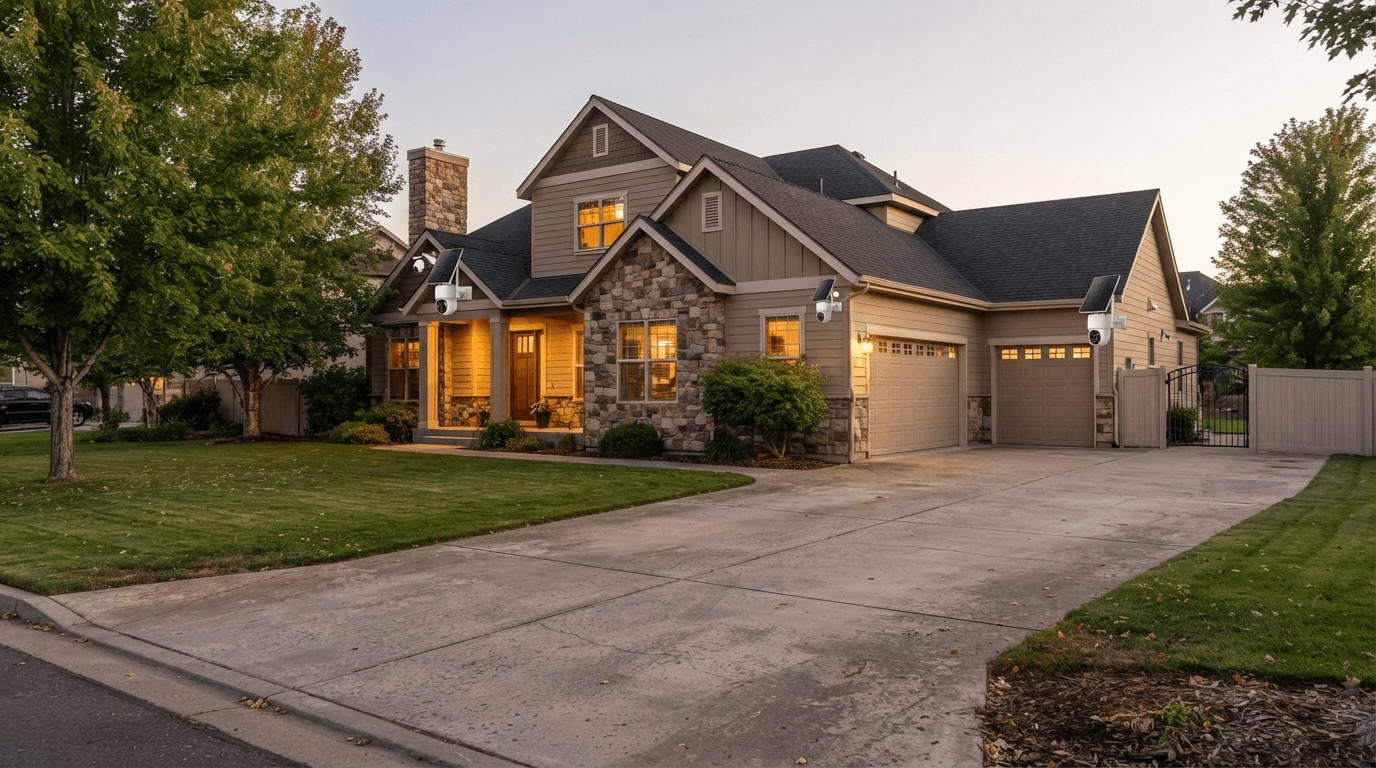
If you're looking for the best outdoor security cameras without monthly fees in 2026, you're not alone. More homeowners are choosing security cameras that let them record, monitor, and protect their property without paying a recurring cloud subscription.
A good no-subscription outdoor security camera can provide many of the features people expect from modern smart cameras, including high-resolution video, night vision, motion detection, remote viewing, solar power, local storage, and wireless installation.
The biggest difference is how your video footage is stored.
Instead of paying every month for cloud recording, security cameras without monthly fees can use local storage such as a microSD card, an NVR, or a dedicated local storage system. This can make a security camera system more affordable over the long term while giving homeowners greater control over their recordings.
In this guide, we'll explain what to look for when buying an outdoor security camera with no subscription, how local storage works, and why a solar-powered wireless system such as the Camcamp SC43 can be an excellent choice for homes, driveways, backyards, garages, farms, and other outdoor areas.
What Are Outdoor Security Cameras Without Monthly Fees?
An outdoor security camera without monthly fees is a camera system that can provide essential recording and monitoring features without requiring a recurring cloud subscription.
Traditional cloud-based security cameras may offer monthly plans for video history, cloud storage, advanced alerts, or other premium functions. A no-subscription camera takes a different approach by storing video locally.
Common local storage options include:
- MicroSD cards
- NVR hard drives
- Local storage hubs
- NAS systems
- Built-in camera storage
The Federal Trade Commission explains that home surveillance footage can be stored either in the cloud or on removable local storage, depending on the system.
For homeowners who want to avoid recurring costs, local storage security cameras are therefore an attractive alternative.
Why Does This Matter?
Imagine installing four outdoor cameras around your home.
With a subscription-based system, monthly cloud fees can continue for years. With a local-storage security camera system, you generally pay for the hardware and storage upfront instead of paying a recurring fee for basic recording.
That's why searches such as “best security camera without subscription,” “outdoor security cameras no monthly fee,” and “wireless security cameras without monthly fees” have become increasingly popular.
7 Things to Look for in a No-Monthly-Fee Outdoor Security Camera
Not every camera advertised as “free” provides the same experience. Before buying an outdoor security camera without a subscription, consider these seven factors.
1. Local Video Storage
The most important feature is local recording.
Look for a system that can save footage directly to a microSD card, NVR, or local storage device.
For larger properties or multi-camera systems, an NVR security camera system can be particularly useful because it provides centralized storage for multiple cameras.
A local recording system also means you don't necessarily need to depend on a cloud subscription simply to review recorded footage.
2. Outdoor Weather Resistance
Outdoor security cameras need to survive real weather.
Rain, snow, dust, heat, humidity, and direct sunlight can all affect camera performance. Look for a camera designed specifically for outdoor installation and check its weather-resistance rating before installation.
A good outdoor camera should be suitable for locations such as:
- Front doors
- Driveways
- Backyards
- Garages
- Side gates
- Porches
- Farms
- Workshops
- Rural properties
The best location depends on the area you want to monitor and the camera's field of view.
3. High-Resolution Video
Resolution matters when you need to identify people, vehicles, packages, or other activity.
Modern outdoor security cameras commonly offer 2K, 2.5K, or 4K video. Higher resolution can provide more detail, especially when you need to zoom into recorded footage.
However, resolution isn't everything.
A camera's lens, image processing, field of view, night vision, lighting conditions, and compression also influence real-world video quality.
For most homeowners, a reliable 2K or higher outdoor security camera can provide a strong balance between image quality and storage efficiency.
4. Night Vision
Outdoor security doesn't stop when the sun goes down.
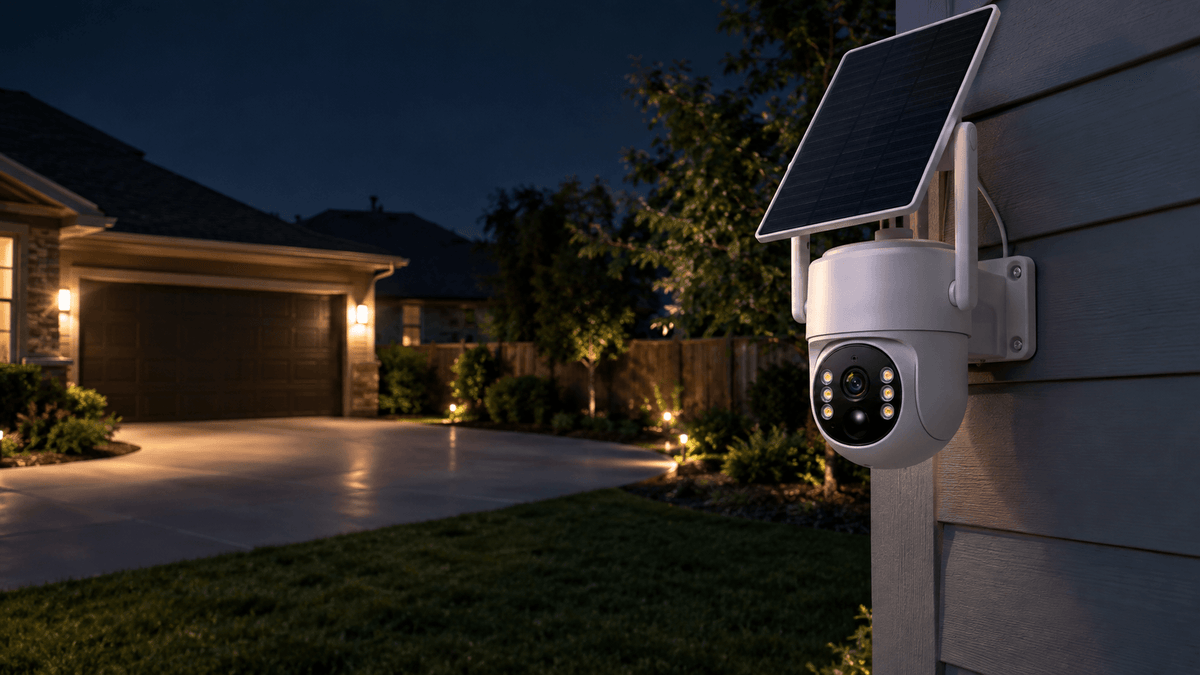
Night vision is one of the most important features to consider when comparing outdoor security cameras for home use.
Look for:
- Infrared night vision
- Low-light performance
- Motion-activated illumination
- Clear nighttime footage
- Appropriate night-vision range
A driveway or backyard may look completely different at night, so testing or evaluating nighttime performance is just as important as looking at daytime resolution.
5. Wireless Installation
A wireless outdoor security camera can make installation much easier, especially when running power cables across a property isn't practical.
Wireless cameras can be particularly useful for:
- Detached garages
- Large backyards
- Garden areas
- Driveways
- Farms
- Vacation properties
- Side entrances
However, “wireless” doesn't always mean “no power.”
Some wireless cameras still require regular charging or a nearby power source.
That's where solar-powered security cameras become particularly interesting.
6. Solar Power
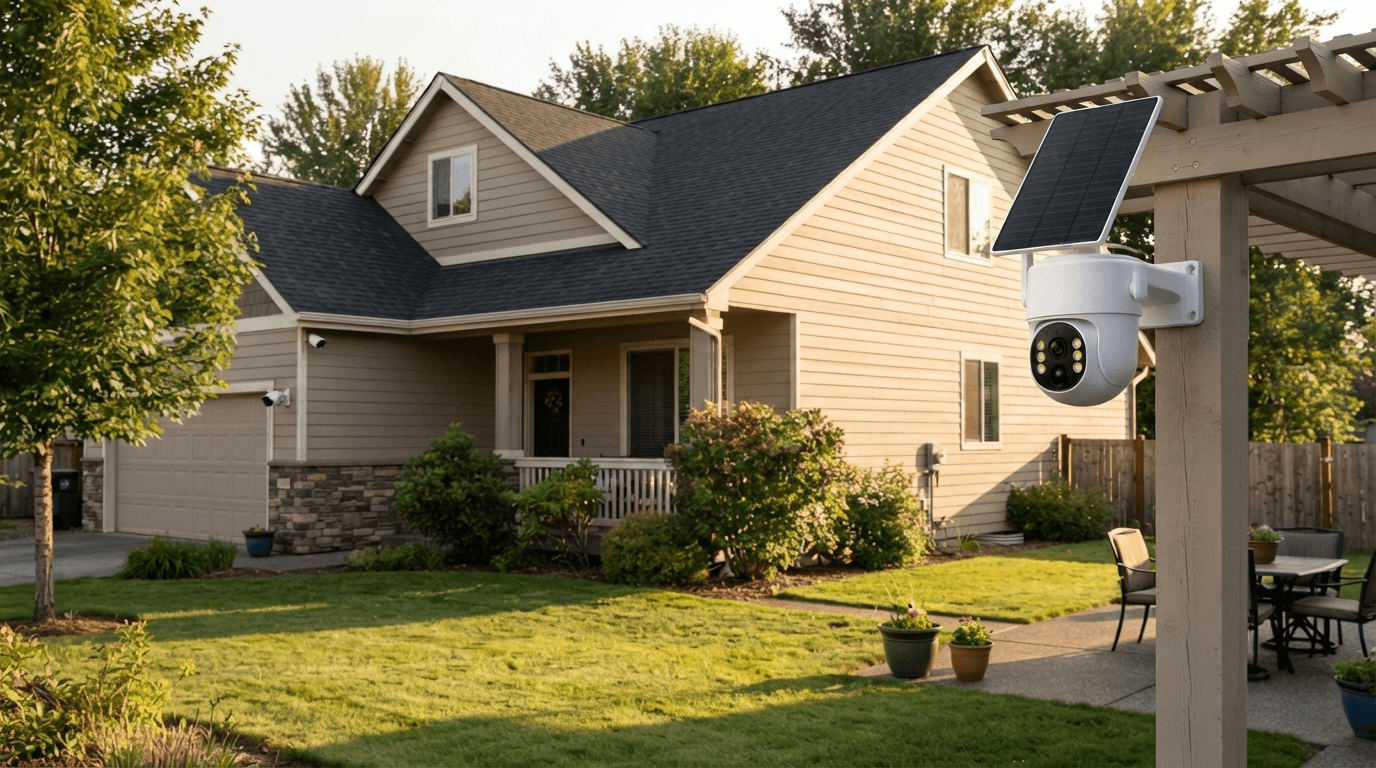
A solar-powered outdoor security camera can reduce the need for frequent battery charging.
Instead of repeatedly removing a camera to recharge its battery, a solar panel can continuously replenish the camera's power when sufficient sunlight is available.
Solar security cameras are especially useful for locations where:
- Electrical wiring is difficult
- The camera is mounted far from the house
- You want a low-maintenance setup
- You want to avoid frequent battery replacement
For homeowners searching for wireless solar security cameras without monthly fees, a solar-powered local-storage system can combine several important benefits into one setup.

7. Multi-Camera Coverage
One camera is rarely enough for a larger property.
A home may have several areas that need monitoring:
Front door → driveway → backyard → garage → side entrance
Instead of buying separate cameras with separate subscriptions, a multi-camera local-storage system can provide centralized monitoring and recording.
This is one reason NVR-based security systems remain attractive for homeowners who want comprehensive outdoor coverage without recurring cloud fees.
Camcamp SC43: A Strong Choice for No-Monthly-Fee Outdoor Security
For homeowners who want a wireless outdoor security camera system without monthly recording fees, the Camcamp SC43 is designed around the idea of centralized local monitoring.
The SC43 combines a 2.5K wireless solar security camera system with a 10.1-inch NVR monitor and 500GB hard drive, giving homeowners a dedicated local setup for monitoring and storing security footage.
Instead of relying entirely on cloud storage, the NVR provides a centralized location for recorded video.
This makes the system particularly suitable for larger outdoor areas where homeowners want multiple cameras working together.
Why Consider the Camcamp SC43?
Solar-powered design
The solar-powered cameras are designed to reduce the need for frequent manual charging, making them suitable for outdoor locations where running power cables can be inconvenient.
Wireless camera installation
Wireless connectivity makes it easier to position cameras around a property without running long video cables from every camera back to the recording device.
2.5K video resolution
Higher-resolution video provides more detail than standard 1080p cameras and can help when reviewing activity around driveways, entrances, yards, and other outdoor areas.
10.1-inch NVR monitor
The included monitor provides a convenient way to view the camera system locally without relying solely on a smartphone.
500GB local storage
The included 500GB hard drive provides dedicated local storage for recorded security footage.
For shoppers specifically searching for a security camera system with local storage and no monthly fee, this combination can be more appealing than a camera that requires an ongoing cloud subscription.

Local Storage vs. Cloud Storage: Which Is Better?
There isn't one perfect storage solution for every homeowner.
The right choice depends on your priorities.
| Feature | Local Storage | Cloud Storage |
|---|---|---|
| Monthly fee | Usually no | Often optional or required |
| Storage location | Home/NVR/SD card | Remote cloud server |
| Internet dependence | Can be lower | Usually higher |
| Long-term cost | Generally lower | Can increase over time |
| Physical control | Higher | Lower |
| Multi-camera recording | Excellent with NVR | Depends on service |
| Remote access | Depends on system | Usually convenient |
If your main priority is avoiding monthly security camera fees, local storage is usually the first feature you should investigate.
If remote access and cloud backup are important to you, check whether those features are included without a subscription or whether they require an optional paid plan.
Are Security Cameras Without Monthly Fees Worth It?
For many homeowners, yes.
The biggest advantage is predictable ownership cost.
You purchase the camera system once and use local storage rather than paying a recurring fee simply to keep recordings.
This can be especially valuable when installing several cameras.
For example, a homeowner monitoring a driveway, backyard, garage, and front entrance may need four cameras. A system with centralized local storage can potentially eliminate multiple recurring cloud-storage charges.
There is also a privacy benefit to consider.
With local storage, recorded video can remain on your own storage device rather than automatically being stored remotely. However, no security system should be considered automatically private just because it uses local storage.
The FTC recommends using strong, unique passwords and enabling available security features such as two-factor authentication and encryption.
What Is the Best Outdoor Security Camera Without a Subscription?
The answer depends on your property.
Best for a Large Property
Choose a multi-camera NVR security system if you need to monitor several areas around your home.
Best for Hard-to-Wire Locations
A wireless solar security camera is ideal when running electrical cables is difficult.
Best for Long-Term Storage
Look for an NVR system with a dedicated hard drive.
Best for Simple Installation
A battery-powered or solar-powered wireless camera can be easier to install than a traditional wired system.
Best for Avoiding Monthly Fees
Prioritize cameras with local recording, such as an NVR or microSD storage, rather than systems that depend entirely on cloud recording.
Where Should You Install Outdoor Security Cameras?
The best camera isn't useful if it's installed in the wrong location.
For most homes, start with the areas where security events are most likely to occur.
Front Door
Monitor visitors, deliveries, and activity around the main entrance.
Driveway
A driveway camera can help capture vehicles and people approaching the property.
Backyard
Backyards are often larger and may have fewer natural lines of sight, making them a good location for wide-area coverage.
Garage
A garage can contain vehicles, tools, bicycles, and other valuable property.
Side Entrance
Side gates and entrances can be easy to overlook, so adding a camera here can help reduce blind spots.
Avoid pointing cameras directly into strong sunlight whenever possible, and mount them high enough to reduce tampering while maintaining a useful viewing angle.

How to Choose the Best No-Subscription Security Camera in 2026
Before buying, use this simple checklist:
✓ No required monthly recording fee
✓ Local storage
✓ Outdoor weather resistance
✓ 2K, 2.5K, or 4K video
✓ Reliable night vision
✓ Wireless installation
✓ Solar charging if needed
✓ Motion detection
✓ Multi-camera support
✓ Enough storage capacity
✓ Easy playback
✓ Strong account security
If a camera checks most of these boxes, it can be a strong candidate for a modern outdoor security system.

Final Verdict
The best outdoor security cameras without monthly fees in 2026 are not necessarily the cameras with the longest feature lists. The better choice is the system that matches your property, power requirements, storage needs, and budget.
For homeowners who want to avoid recurring cloud-storage costs, local storage security cameras provide a practical alternative.
If you need broader property coverage, a wireless solar security camera system with an NVR can be even more convenient. A system such as the Camcamp SC43 combines solar-powered wireless cameras, 2.5K video, a 10.1-inch NVR monitor, and 500GB local storage into one outdoor security solution.
Ultimately, the goal isn't simply to buy a camera.
It's to build a security system that keeps your property monitored without locking you into unnecessary monthly fees.
Looking for a no-monthly-fee outdoor security camera system? Explore Camcamp's wireless and solar-powered security solutions for home, driveway, backyard, garage, and property monitoring.

Leave a comment
This site is protected by hCaptcha and the hCaptcha Privacy Policy and Terms of Service apply.