

Many houses can start with two to four security cameras. Two cameras can cover the main entrance and the most important secondary approach. Three or four may make sense when the driveway, back door, and side gate need separate views. An apartment with one entrance may need just one camera, while a corner lot or a house with a detached garage may benefit from five or six. These are planning ranges based on layout, so count the places you want to see clearly before you buy.
Imagine getting a motion alert from your driveway camera. You can see someone walking toward the house, but the porch column blocks the front door. Did they leave a package or continue around the side? That missing view matters more than the number on the box. Use this Camcamp guide to decide where a camera would answer a specific question and where a second angle would simply repeat what you can already see.
How many security cameras do you need by home layout?
| Home layout | Starting count | Example coverage |
|---|---|---|
| Apartment or condo | 1 | Primary entrance, if building rules allow it. |
| Townhouse or small house | 2 | Front door plus the back door or parking approach. |
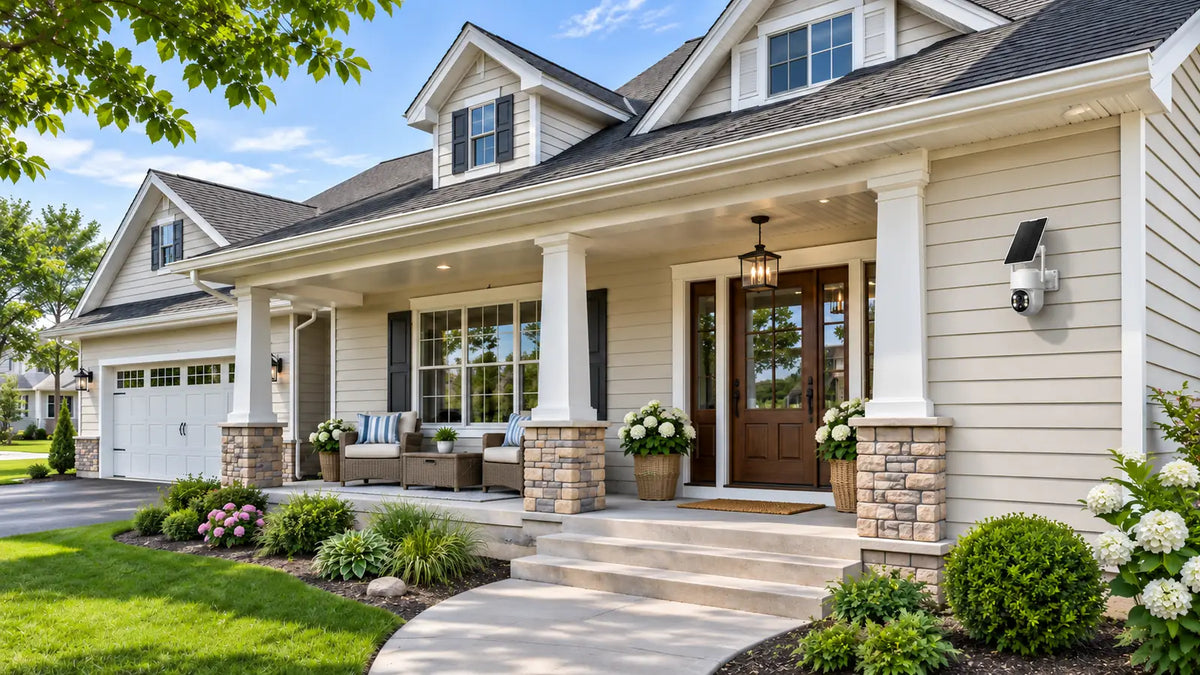
| House with driveway and side access | 3–4 | Front door, driveway or garage, rear entry, and a separate side gate if needed. |
| Corner lot or detached structures | 4–6 | Primary entries plus a second approach, detached garage, or a gate beyond the main camera views. |
Start with the first row that resembles your layout. Then walk around your home and list the paths a visitor actually takes. A small house with a garage around the corner can need more coverage than a larger house with a single driveway and a compact porch. Check where fences, parked vehicles, and porch columns interrupt the view. A camera on a drawing needs to work with those everyday obstacles in place.
1. Start with the front door
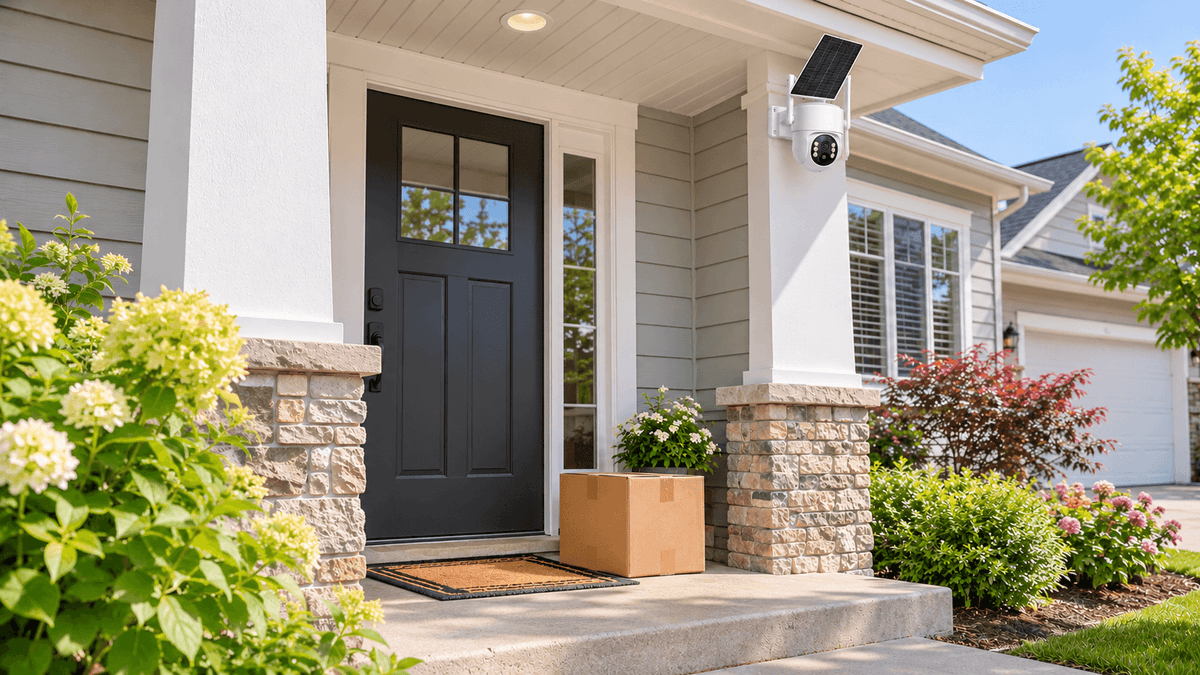
The front door is usually the first place to cover. A front door security camera should show where a visitor stands and where deliveries are set down. On a narrow porch, one camera may capture both. On a wide porch, check whether the frame cuts off packages placed beside the door. A doorbell camera can work well for close-up arrivals. An outdoor camera placed farther back may show more of the walkway.

Try a quick test during the day and after dark. Ask someone to approach normally while you review the recording. Look for a clear view of the person at the door and check how porch lighting affects the image. Adjust the angle if a bright light washes out faces or an overhead placement mostly shows the tops of heads.
2. Decide whether the driveway needs its own camera
A dedicated driveway security camera helps when the front-door view stops at the steps or a parked vehicle blocks the route to the garage. Choose the task first. For a record of arrivals, you might frame the driveway entrance and the route to the garage. If you want to see activity around a parked car, check both sides of the usual parking position and verify the image after dark.

A single camera under the garage eave can be enough when the driveway and garage approach share a clear view. Add another angle if a parked SUV consistently hides the side door or if the garage is separated from the house. Test with your vehicles parked in their usual spots. The daytime view of an empty driveway tells you little about what will be visible when everyone is home.
3. Cover the back door and check the side gate
Look at the rear entrance from both directions. A camera near patio doors may cover the threshold and the path across the yard, while a side gate around a corner can require its own view. Start with the patio camera and test a walk from the gate to the door. If the person goes out of frame before reaching the patio, decide whether the missing part matters. Add a gate camera if you want to see who entered and when.

Set the view to the area you need. Frame your own doorway, patio, and gate, and use privacy masking if your model supports it. If an area is shared, check the building or association rules before mounting a camera. Store the camera names by location, such as “Patio Door” and “Side Gate,” so a notification tells you exactly where to look.
4. Choose where indoor cameras add value
Indoor cameras are optional for a home security plan focused on exterior entrances. You might add one inside a garage to see whether the door was left open or in an entry hall if exterior mounting is restricted. Start with the specific view you need and discuss it with the people who live there. Bedrooms and bathrooms should be outside your camera plan. A dog moving through a hallway all day may also make indoor event notifications less useful unless you can adjust them.
5. Check power, Wi-Fi, and recording before you buy
Stand at each proposed mounting point and check the connection before choosing hardware. Outdoor Wi-Fi performance can differ from what you see indoors near the router. Review how the camera gets power, where recordings are stored, and whether the model supports continuous recording or records motion events. Then check if you can retrieve footage after a connection interruption. Those details can matter more than the advertised field of view.
The Camcamp SC43 solar security camera system comes in two-, four-, and six-camera kits. Its 10-channel NVR includes a 10.1-inch monitor and 500GB of local storage. Start with the kit that fits the locations you mapped, and leave room to add compatible cameras if you find another view worth covering. The cameras connect directly to the NVR for local viewing. Before permanent installation, test the camera-to-NVR connection from each location and see how much direct daylight the solar panel receives.

Before adding cameras, run the setup for a few days and review normal activity. Walk up to each door, open the gate, and park in the driveway. Check whether clips start early enough, faces are clear at the distances that matter, and notifications reach your phone. Add another camera only where a real event still leaves you with an unanswered question.
Example layouts for two, four, and six cameras
Two cameras: Cover the front door and the approach you use next most often. For a townhouse with rear parking, that may mean the back door rather than the street. Verify that each camera shows the point where a person stops, such as the doorstep or the rear landing.
Four cameras: Put one view at the front door, one at the driveway, one at the patio door, and one at the side gate. That arrangement makes sense when the patio camera cannot see the gate. If the same camera already gives a clear view of both, keep the fourth position available for another approach.
Six cameras: Start with the four-camera plan and add two views only where the layout calls for them. On a corner property, one may cover the side-street entry and the other the approach to a detached garage. Review clips from neighboring cameras together. A wide view can show which path someone took, while a closer view at the door can provide the details you need.
Sketch the views on a simple floor plan and write one job next to each camera. If two cameras have the same job, compare their test clips before deciding whether you need both. Save a daylight clip and a nighttime clip from each viewpoint so you can compare the results after moving a camera or adjusting exterior lighting.
Frequently asked questions
Are two security cameras enough for a house?
Often, yes. Start with one at the front entrance and one on the back door, driveway, or most-used secondary approach. If each view shows the activity you need in daylight and at night, try that setup before buying more.
Can one wide-angle camera cover both the front door and driveway?
It can when the two areas are close, unobstructed, and clear enough at the distances you need. Review a test clip at normal size. If the driveway looks clear but a visitor at the door is too small to identify, adjust the camera or use two separate views.
Do I need a security camera on every corner of my house?
Start with doors, vehicle approaches, and gates. An extra corner camera is useful when it covers a specific route your existing cameras miss. A wall with no entrance and little activity may be lower priority than a path people actually use.
What is the best order to add cameras?
Cover the front door first. Then add the most-used secondary entrance or parking area. Review the footage before adding a third view, and use it where it covers a gap you can describe in one sentence.

Leave a comment
This site is protected by hCaptcha and the hCaptcha Privacy Policy and Terms of Service apply.