
Introduction
One of the most common questions homeowners ask when buying surveillance systems is:
👉 Do security cameras work without WiFi?
The short answer is: Yes, many security cameras work perfectly without WiFi.
Modern surveillance technology has evolved far beyond internet-dependent systems. Today, cameras can record locally, store footage on SD cards, or even transmit data through cellular networks.
Brands like Camcamp are leading this shift with smart, reliable, and flexible security solutions designed for both online and offline environments.
How Security Cameras Work Without WiFi
Security cameras without WiFi rely on local storage or cellular connectivity instead of internet-based cloud systems.
Common WiFi-Free Methods:
1. Local SD Card Storage
- Footage is saved directly to a memory card
- No internet required
- Easy playback by removing SD card
2. DVR/NVR Systems
- Wired cameras connect to a recording box
- Continuous recording 24/7
- Common in business and home CCTV setups
3. Cellular Security Cameras (4G LTE)
- Use SIM card instead of WiFi
- Send alerts via mobile networks
- Ideal for remote areas
4. Motion-Activated Recording
- Saves storage by recording only when movement is detected
- Works completely offline
Do Security Cameras Really Need WiFi?
No—they don’t.
WiFi is only required for:
- Remote live streaming
- Cloud storage access
- Mobile app notifications
But if you only need recording + playback, WiFi is optional.
Types of Security Cameras That Work Without WiFi
1. Wired CCTV Systems
Traditional systems using DVR/NVR storage.
2. Battery-Powered Cameras
Record locally to SD card.
3. Cellular Security Cameras
Use 4G LTE instead of WiFi.
4. Hybrid Cameras
Support both WiFi and offline modes.

Advantages of Security Cameras Without WiFi
✔ No Internet Required
Works even during network outages.
✔ More Privacy
No cloud hacking risks.
✔ Lower Monthly Cost
No subscription fees for storage.
✔ Stable Recording
No buffering or connection drops.
✔ Ideal for Remote Locations
Cabins, farms, warehouses, construction sites.
Limitations of Non-WiFi Security Cameras
✘ No Remote Viewing (in most cases)
Unless using cellular models.
✘ Manual Footage Access
You may need physical SD card access.
✘ Limited Smart Features
No AI alerts or cloud analytics in basic models.
Why Camcamp Security Cameras Stand Out
Camcamp offers advanced solutions that bridge the gap between offline reliability and smart monitoring.
Key Features:
- WiFi + non-WiFi hybrid support
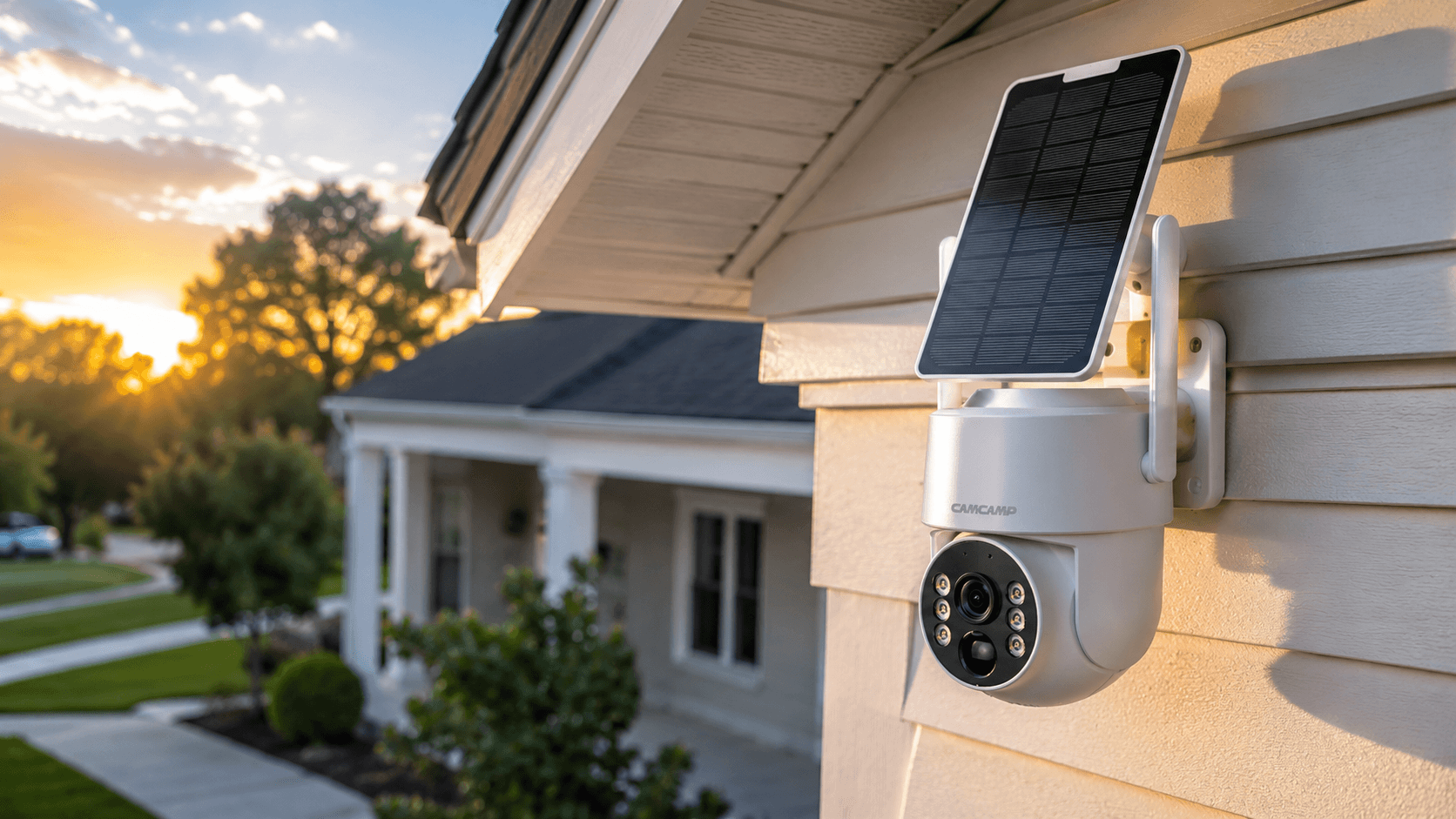
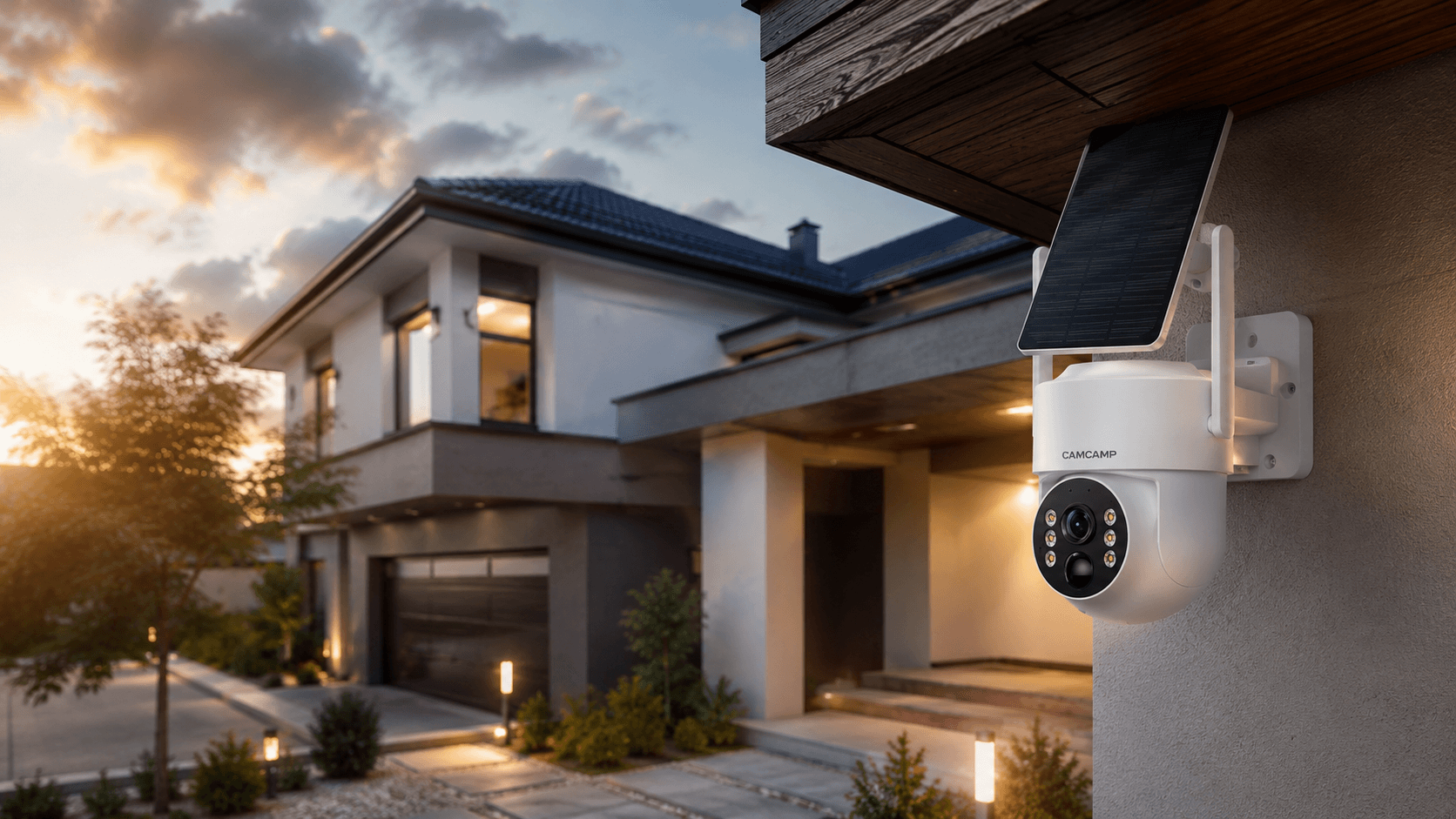
- Solar-powered models
- Motion detection alerts
- Night vision HD recording
- 4G LTE cellular options
- Easy installation (DIY friendly)
Camcamp cameras are designed for users who want flexible security without depending entirely on internet connectivity.

Best Use Cases for WiFi-Free Security Cameras
🏡 Home Security
Protect homes even during WiFi outages.
🌲 Remote Properties
Cabins, rural houses, farmland.
🏗 Construction Sites
Temporary monitoring without network setup.
🚗 Parking Areas
Continuous recording with SD storage.
🏢 Small Businesses
Cost-effective surveillance system.
WiFi vs No WiFi Security Cameras
| Feature | WiFi Camera | No WiFi Camera |
|---|---|---|
| Remote Viewing | Yes | Limited |
| Internet Required | Yes | No |
| Cloud Storage | Yes | No |
| Installation | Easy | Easy |
| Reliability in Outage | Low | High |

Can You View Footage Without WiFi?
Yes.
Depending on the system:
- SD card → remove and view on computer
- DVR → connect to monitor
- Cellular → view via mobile network
Even without WiFi, your footage is still fully accessible.
📊 Final Verdict: Do Security Cameras Work Without WiFi?
Yes—absolutely.
Security cameras without WiFi are:
- Reliable
- Cost-effective
- Privacy-friendly
- Perfect for offline environments
And with modern hybrid solutions from Camcamp, users no longer need to choose between offline reliability and smart monitoring.

Conclusion
Security cameras do not need WiFi to protect your home or property. From SD card recording to cellular systems, offline surveillance is more powerful than ever.
For users seeking a balance between smart features and offline reliability, Camcamp provides some of the most flexible and user-friendly solutions in the market today.

Leave a comment
This site is protected by hCaptcha and the hCaptcha Privacy Policy and Terms of Service apply.