
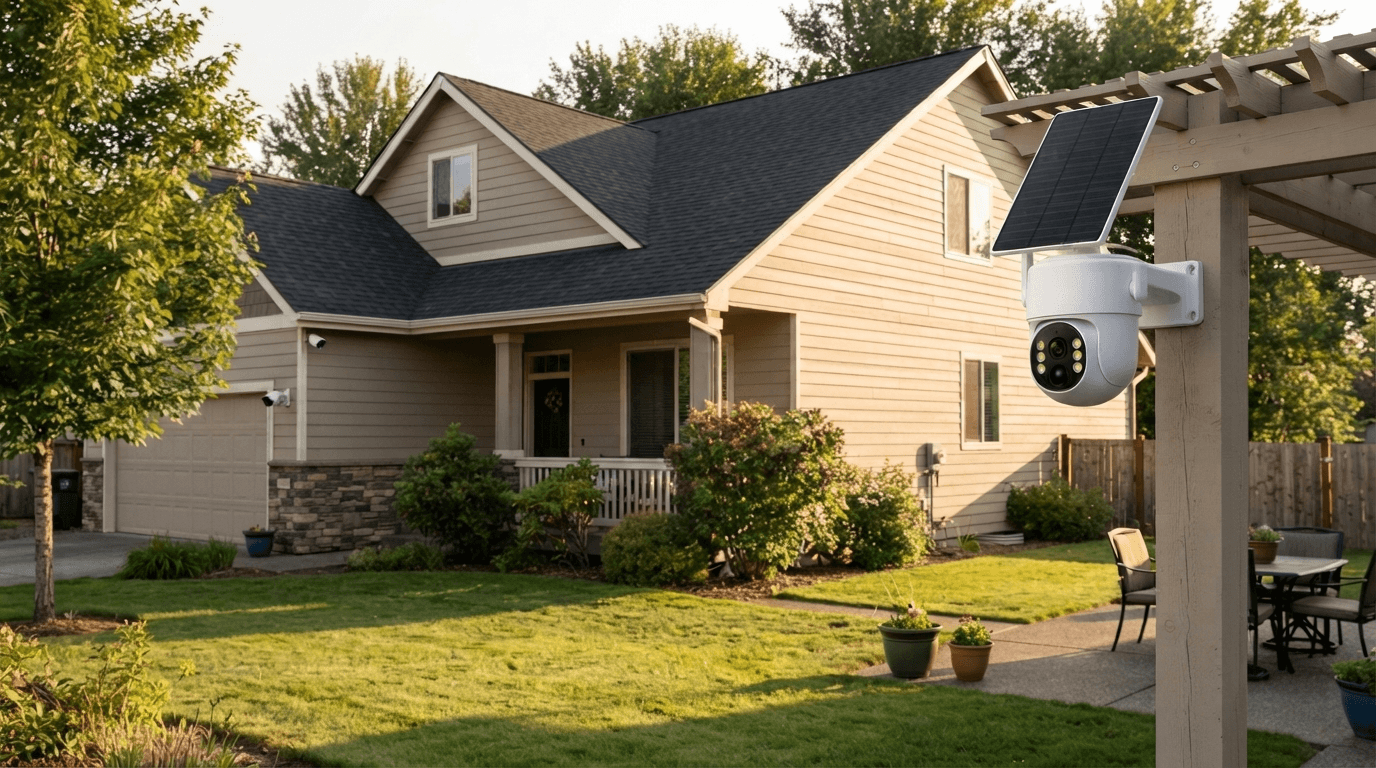
Do security cameras need WiFi?
Not always.
Many modern wireless security cameras use WiFi to transmit video and provide remote access through a smartphone app, but WiFi is not required for every security camera system. Some cameras can record locally to an SD card, while others use a dedicated wireless connection between the cameras and an NVR. Cellular security cameras can even use a 4G LTE network instead of WiFi.
This means that wireless security camera does not always mean WiFi security camera.
Understanding how different security cameras connect to the internet, store video, and communicate with your phone can help you choose the right system for your home, driveway, backyard, farm, or business.
In this guide, we'll explain whether security cameras need WiFi, how wireless security cameras work, what happens when your WiFi goes down, and which security camera system may be best for your needs.
Do Security Cameras Need WiFi?
No, security cameras do not always need WiFi.
Whether a security camera needs WiFi depends on the camera's connection method and how you want to access your footage.
A WiFi security camera connects to your home's wireless network to transmit video and communicate with a smartphone app or cloud service.
A wired security camera may use Ethernet or another physical cable instead of WiFi.
A wireless NVR security camera system can use a dedicated wireless connection between the cameras and the NVR, allowing the cameras to transmit video without connecting individually to your home's WiFi network.
Some cellular security cameras use a 4G LTE cellular network instead of WiFi.
And some cameras can record video locally without an internet connection at all.
The key difference is:
WiFi = one type of wireless network connection.
Wireless = a broader term that can include WiFi, dedicated wireless links, and cellular connections.
How Does a WiFi Security Camera Work?
A WiFi security camera connects to a wireless router or access point.
The typical process looks like this:
Camera → WiFi Router → Internet → Smartphone App
When the camera detects motion, it can record video and send information through your network. Depending on the camera and service, you may receive motion alerts, view a live video feed, save recordings, or access cloud storage remotely.
WiFi security cameras are popular because they are relatively easy to install and can provide convenient smartphone access.
They are commonly used for:
- Front door security
- Backyards
- Driveways
- Garages
- Indoor monitoring
- Small businesses
- Baby and pet monitoring
- Apartment security
- Home entrances
However, a WiFi security camera normally needs a sufficiently strong wireless signal where the camera is installed.
If your camera is at the far end of a large property, behind thick walls, or outside the normal range of your router, the connection may become unreliable.

What Does "Wireless Security Camera" Actually Mean?
The term wireless security camera can be confusing.
Wireless does not necessarily mean the camera connects directly to your home's WiFi.
A wireless security camera simply means that the camera does not require a traditional video cable for its primary wireless video connection.
There are several types of wireless security cameras.
WiFi Security Cameras
These cameras connect to your existing WiFi network.
They are convenient for homes and locations where a strong WiFi signal is already available.
Wireless NVR Security Cameras
These cameras communicate wirelessly with a dedicated NVR or receiver.
Instead of every camera relying directly on your home router, the cameras can send video to the NVR, which stores the recordings locally.
This is especially useful for people who want a multi-camera security system with centralized recording.
Cellular Security Cameras
Cellular cameras use a mobile network such as 4G LTE.
They are useful for locations where traditional WiFi is unavailable, including remote properties, farms, construction sites, barns, and other outdoor locations.
Wire-Free Security Cameras
"Wire-free" usually refers to cameras designed without a traditional power cable.
Many wire-free cameras use rechargeable batteries or solar panels.
However, wire-free does not automatically mean WiFi-free.
A wire-free camera may still require WiFi for communication.
Can Security Cameras Work Without WiFi?
Yes, security cameras can work without WiFi.
However, what the camera can do without WiFi depends on the system.
A camera with local storage can continue recording video to an SD card even when there is no internet connection.
A wireless NVR security camera system can continue recording to the NVR because the cameras communicate with the NVR through their dedicated wireless connection.
A cellular security camera can continue communicating through a 4G network as long as it has compatible cellular service.
This is why it is important to distinguish between:
No WiFi and no connection at all.
A camera may not need WiFi while still using another connection method.
What Happens If WiFi Goes Down?
This is one of the most common questions about wireless security cameras.
If your WiFi network goes offline, a WiFi-dependent camera may lose remote access.
Depending on the camera's design, it may still be able to:
- Detect motion
- Record locally
- Save video to an SD card
- Continue operating its basic functions
But features such as remote live viewing, cloud uploads, and smartphone notifications may stop until the network connection is restored.
This is why local storage can be valuable.
A security camera system with local NVR recording can provide an additional layer of reliability because video can be stored locally rather than depending entirely on cloud connectivity.
For homeowners who want continuous recording from multiple outdoor cameras, a wireless NVR system can be particularly useful.
Do Wireless Security Cameras Need Internet?
Not necessarily.
WiFi and internet are related, but they are not exactly the same thing.
A camera can communicate with another device over a local wireless network without having full internet access.
For example, a wireless camera system may transmit video to an NVR located inside your home.
The NVR can record that footage locally even if the cameras are not individually connected to the internet.
However, if you want to watch your cameras remotely from outside your home, receive cloud-based notifications, or access recordings through an online service, an internet connection is generally required.
A simple way to remember this is:
WiFi connects devices locally.
Internet allows devices to communicate with online services and remote users.
WiFi vs Wireless NVR Security Cameras
If you're installing multiple security cameras around your property, you may be deciding between individual WiFi cameras and a wireless NVR security camera system.
Here are the major differences.
| Feature | WiFi Security Camera | Wireless NVR System |
|---|---|---|
| Connects to home WiFi | Usually | Not necessarily |
| Central recording | Usually optional | Yes |
| Multi-camera setup | Possible | Designed for it |
| Local storage | Depends on model | Typically included |
| Remote viewing | Usually available | Usually available with network access |
| Best for | Individual cameras | Whole-property monitoring |
| Long-term recording | Depends on storage | Excellent for centralized recording |
A wireless NVR system can be particularly attractive when you want to monitor several areas at once.
For example, you might install cameras at the:
- Front door
- Driveway
- Backyard
- Garage
- Side entrance
- Barn
- Workshop
Instead of managing every camera independently, the NVR acts as the central recording hub.
Do Solar Security Cameras Need WiFi?
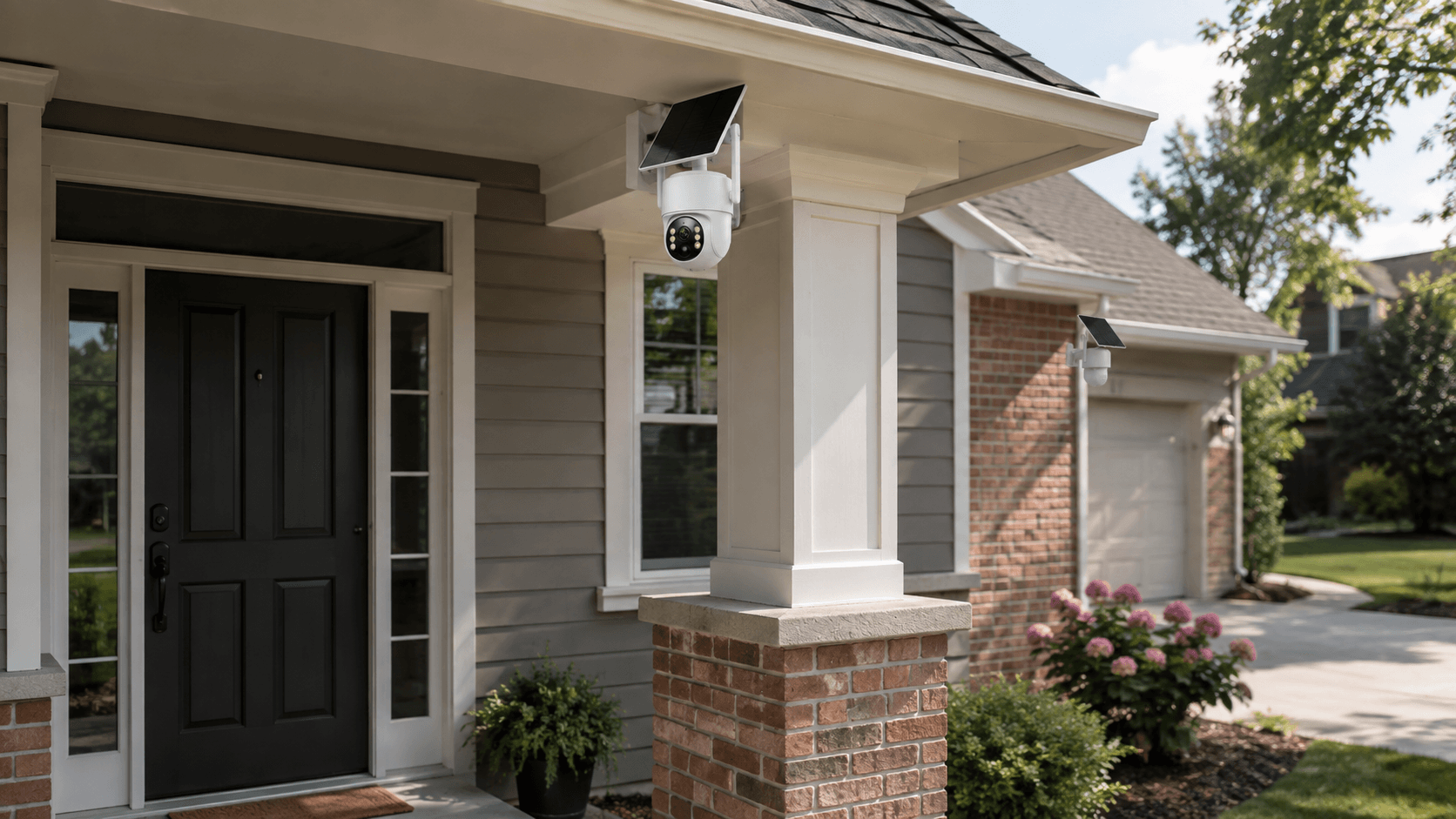
Solar security cameras are becoming increasingly popular for outdoor surveillance because they can reduce the need for frequent battery charging or wired power installation.
But solar-powered does not mean WiFi-free.
A solar security camera can still use WiFi to communicate.
For example:
Solar panel → Camera battery → Camera → WiFi → Router → Smartphone
The solar panel provides power, while WiFi provides the communication connection.
This distinction is important when choosing an outdoor security camera.
If the camera location has poor WiFi coverage, solar power alone will not solve the connectivity problem.
For remote locations, you may want to consider a cellular security camera or another connection method instead.

What About Wireless Security Cameras With an NVR?
A wireless NVR security camera system is designed for users who want a more complete surveillance solution.
Instead of simply installing one camera and relying entirely on cloud storage, the cameras communicate with an NVR that stores footage locally.
This can provide several benefits.
Centralized Recording
All cameras can record to one central storage device.
Multiple Camera Views
You can monitor multiple areas of your property from one screen.
Local Storage
Video can be stored on a hard drive rather than relying exclusively on cloud storage.
Better for Larger Properties
A multi-camera NVR system can be more practical than installing several independent WiFi cameras.
Camcamp offers wireless security camera systems designed around this type of setup. For example, the Camcamp SC43 combines multiple wireless outdoor cameras with a 10.1-inch NVR monitor and 500GB hard drive, providing centralized local video recording for a multi-camera security setup.
This type of system is particularly useful for homeowners who want to monitor an entire property rather than just one entrance.

How Far Can a Wireless Security Camera Be From the Router?
There is no single distance that works for every wireless security camera.
The actual range depends on:
- Router power
- Camera antenna design
- Walls
- Trees
- Buildings
- Metal structures
- Terrain
- Wireless interference
- Camera placement
A camera may work perfectly near a router but experience an unstable connection when installed farther away.
Outdoor installations can be especially challenging because the camera may be separated from the router by exterior walls, windows, garages, or other structures.
For this reason, WiFi signal strength at the exact camera location is more important than the theoretical range advertised for a router.
If you're installing multiple cameras around a large property, a dedicated wireless NVR system can sometimes be a more practical solution than relying on the home router for every camera.
Can Security Cameras Record Without Internet?
Yes.
Many security cameras can record locally without an active internet connection.
Depending on the model, local recording may use:
- MicroSD card
- SD card
- NVR hard drive
- Local network storage
For a multi-camera security system, an NVR can be especially useful because it provides centralized video storage.
This also means you don't necessarily have to pay for cloud storage just to keep recordings.
However, local recording and remote viewing are two different functions.
You can think of it this way:
Local recording = the camera or NVR saves the footage.
Remote viewing = the footage is sent through a network so you can view it somewhere else.
A system can support one without necessarily supporting the other.
What Is the Best Wireless Security Camera for a Home?
The best wireless security camera depends on your property and what you want to monitor.
For a Front Door
A WiFi security camera can be convenient because your home router is usually nearby.
For a Backyard
A WiFi or solar-powered wireless camera may work well if the wireless signal is strong enough.
For a Large Property
A multi-camera wireless NVR system can provide centralized monitoring and local recording.
For a Remote Location
A cellular security camera may be more appropriate when there is no reliable WiFi or broadband connection.
For Multiple Outdoor Cameras
A wireless NVR security camera system can make it easier to manage several cameras from one central location.
The best solution isn't necessarily the camera with the most features.
It's the camera system that matches your power source, network availability, property size, storage requirements, and monitoring needs.

Camcamp Wireless Security Camera Systems
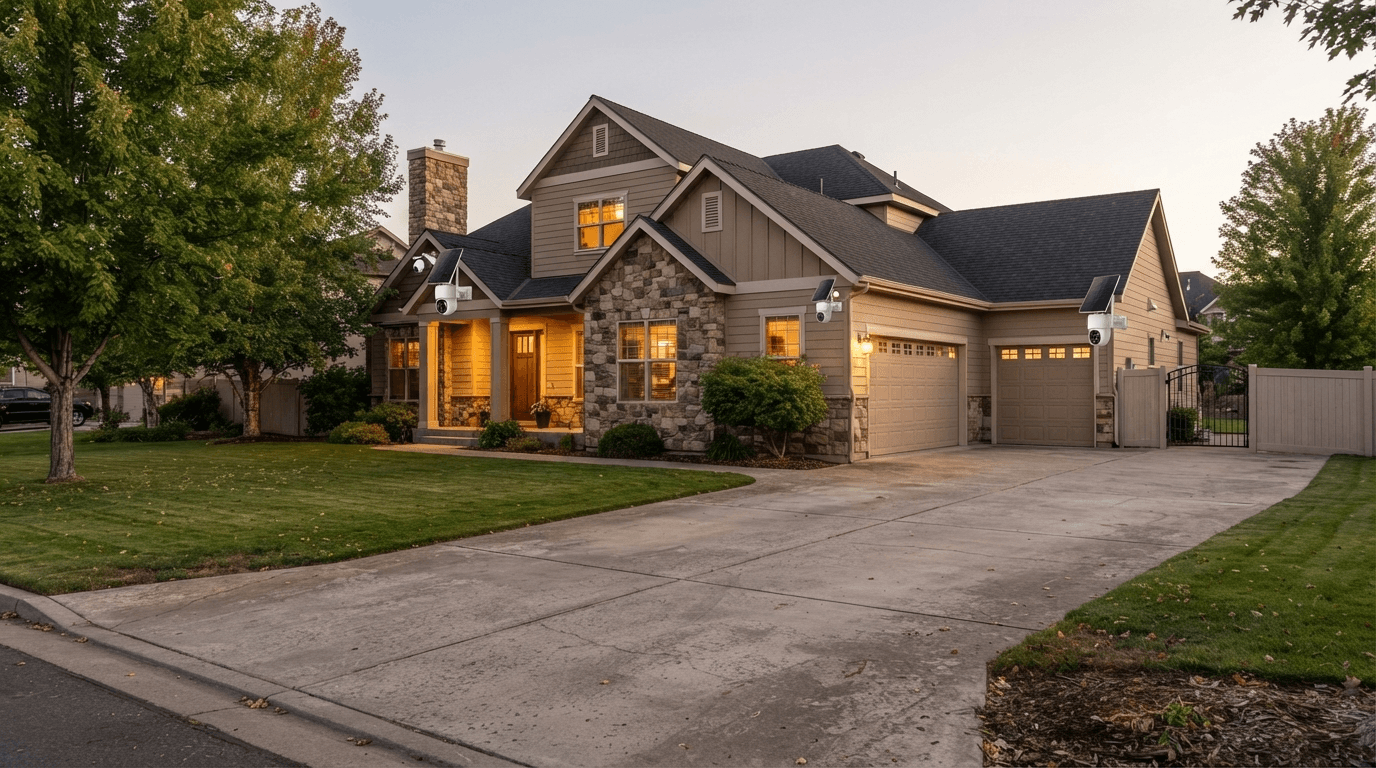
Camcamp focuses on outdoor security solutions designed for homeowners and property owners who want reliable monitoring without complicated wired installations.
For users who want a complete multi-camera solution, a wireless NVR security camera system can provide several advantages:
- Multiple outdoor cameras
- Centralized recording
- Local hard drive storage
- Wireless camera transmission
- Smartphone access
- Motion detection
- Night vision
- Outdoor surveillance
- Long-term video recording
For example, the Camcamp SC43 is a 2.5K wireless solar security camera system that includes a 10.1-inch NVR monitor and 500GB hard drive. This makes it a suitable option for users who want to monitor multiple outdoor areas while keeping recordings centralized.
A system like this can be particularly useful for homes, garages, driveways, farms, workshops, and larger residential properties.
WiFi Security Camera vs Cellular Security Camera vs NVR
If you're still unsure which type to choose, use this simple guide.
Choose a WiFi security camera if:
You have reliable WiFi and only need to monitor one or a few nearby locations.
Choose a wireless NVR security camera system if:
You want several cameras, centralized local recording, and a dedicated monitoring system.
Choose a cellular security camera if:
Your camera location does not have reliable WiFi or broadband internet but does have cellular coverage.
Choose a solar security camera if:
Running a power cable to the camera is difficult and you want a more flexible outdoor installation.
Remember that these features can overlap.
A camera can be solar-powered + wireless + NVR-connected, for example.
Frequently Asked Questions
Do all security cameras need WiFi?
No. Some use WiFi, while others use Ethernet, cellular networks, dedicated wireless connections, or local storage.
Can security cameras work without internet?
Yes. Many cameras can record locally to an SD card or NVR without internet access.
Do wireless security cameras need WiFi?
Not always. "Wireless" can refer to several types of wireless communication, including dedicated camera-to-NVR connections.
Can I use security cameras without a router?
Some systems can record locally without a router. However, remote viewing and internet-based features generally require network connectivity.
Do solar security cameras need WiFi?
Not necessarily. Solar provides power, not connectivity. A solar camera can use WiFi, cellular, or another wireless connection depending on the model.
Can security cameras record when WiFi is down?
Many cameras can continue recording locally, but remote viewing and cloud-based functions may stop until the connection returns.
What is better: WiFi or NVR security cameras?
WiFi cameras can be convenient for individual locations, while an NVR system is often better for multiple cameras and centralized local recording.
Final Answer: Do Security Cameras Need WiFi?
No, security cameras do not always need WiFi.
WiFi is only one way a security camera can communicate.
A WiFi camera uses your wireless network for communication. A wireless NVR system can use a dedicated wireless connection between cameras and the NVR. A cellular security camera uses a mobile network, while some cameras can record locally without any internet connection.
For a simple home installation, a WiFi security camera can be convenient.
For multiple outdoor cameras, a wireless NVR security camera system can provide centralized recording and monitoring.
For remote properties without reliable WiFi, a cellular security camera may be a better choice.
And for outdoor installations where running power cables is difficult, a solar security camera can provide greater installation flexibility.
The most important thing is to choose your security camera based on your actual environment—not simply whether a camera is labeled "wireless."
WiFi, wireless, internet, cellular, and wire-free are not the same thing. Understanding the difference is the first step toward building a reliable home security camera system.

Leave a comment
This site is protected by hCaptcha and the hCaptcha Privacy Policy and Terms of Service apply.