
Introduction
As smart home technology continues to evolve, many homeowners ask a critical question:
Can security cameras work without WiFi?
The short answer is yes—and in many cases, they work even more reliably.
Whether you live in a rural area, want a more secure system, or need 24/7 surveillance without internet interruptions, understanding non-WiFi security cameras is essential.
In this guide, you’ll learn:
- How security cameras work without WiFi
- The best alternatives like cellular security cameras and local storage cameras
- Why Camcamp security cameras are a powerful solution
1. Can Security Cameras Work Without WiFi?

Yes, security cameras can work without WiFi.
Instead of relying on internet connectivity, these cameras use:
- Local storage (SD cards, hard drives)
- Cellular networks (4G LTE)
- Direct wireless connections
👉 This makes them ideal for:
- Remote locations
- Farms and ranches
- Construction sites
- Outdoor security
2. Types of Security Cameras That Don’t Need WiFi

2.1 Cellular Security Cameras (4G LTE Cameras)
Cellular cameras use a SIM card and mobile network instead of WiFi.
Key Benefits:
- Real-time remote access
- Works anywhere with cellular signal
- No router required
👉 Perfect for off-grid security camera setups
2.2 Security Cameras with Local Storage
These cameras store footage directly on:
- SD cards
- DVR/NVR systems
Advantages:
- No monthly fees
- No internet required
- Full control over recordings
👉 Ideal for privacy-focused users
2.3 Wireless Security Camera Systems (No WiFi Required)

Wireless security cameras don’t always require WiFi to function. Many systems can operate using local connections, built-in storage, or direct device pairing, making them a flexible option for users who want easy installation without relying on internet access.
Key Benefits:
- Easy installation with no complex wiring
- Flexible placement for indoor and outdoor use
- Works with local storage or direct viewing
- Ideal for temporary setups or rental properties
👉 These systems are perfect for users who want a simple, cable-free security solution without depending on WiFi networks.
3. Why Choose Security Cameras Without WiFi?

3.1 Reliable in Remote Areas
No WiFi? No problem. Perfect for:
- Farms
- Cabins
- Job sites
3.2 Enhanced Security
WiFi cameras can be hacked—offline systems reduce that risk.
3.3 No Monthly Fees
Avoid cloud storage subscriptions.
4. Best Use Cases for No WiFi Security Cameras

Ideal scenarios:
- Construction sites
- Vacation homes
- RVs and camping
- Outdoor property monitoring
5. Key Features to Look For

When choosing a security camera without WiFi, look for:
- Solar power (continuous operation)
- 4G LTE connectivity
- Motion detection alerts
- Night vision
- Weatherproof design
👉 These features ensure reliable performance in any environment.
6. Why Choose Camcamp Security Cameras?

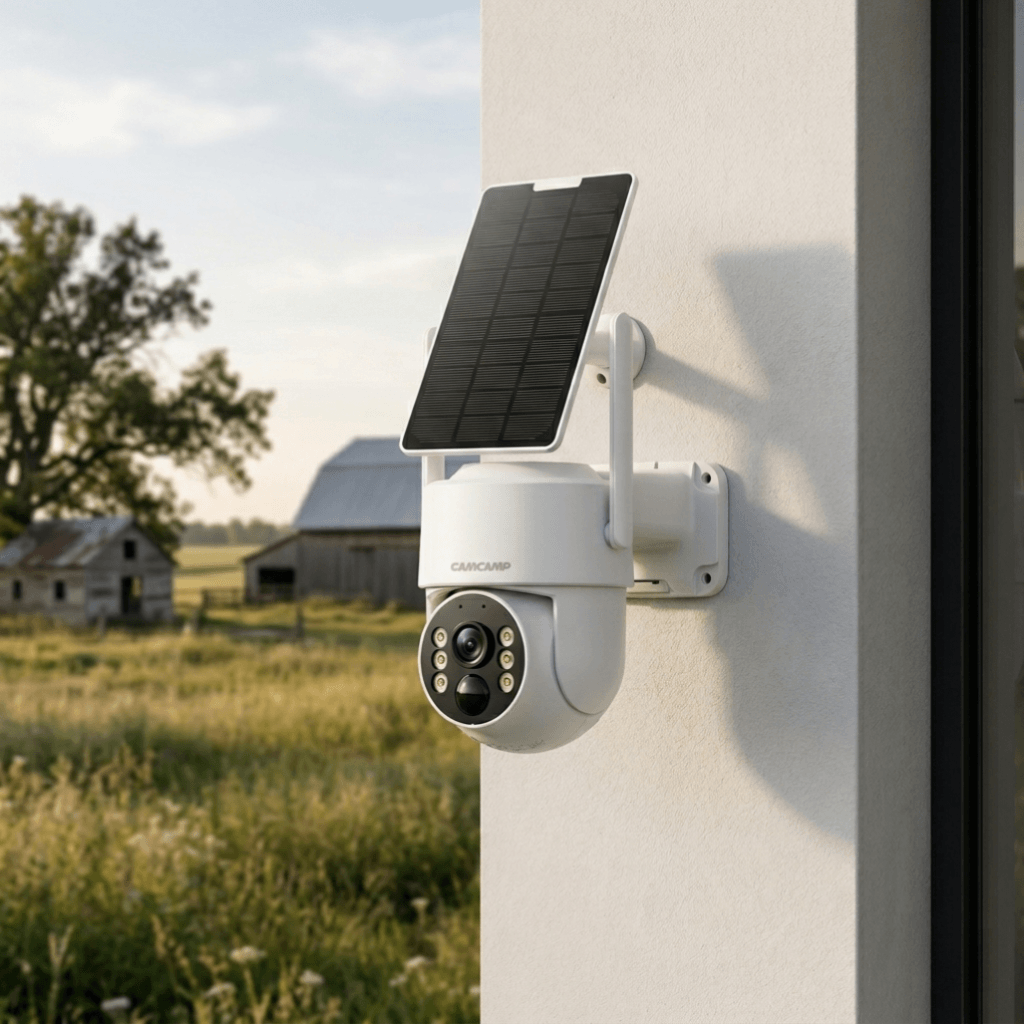
Camcamp offers powerful solutions for no WiFi security needs.
Key Advantages:
- Solar-powered operation
- Advanced motion detection
- High-resolution video
- Easy installation
- Designed for outdoor and remote use
👉 Perfect for users who need reliable security without internet
👉 Shop Camcamp Security Cameras
Upgrade your home or outdoor security today.
✔ No WiFi required
✔ Solar-powered convenience
✔ Remote monitoring options
👉 Shop Now and Secure Your Property Anywhere
Conclusion
So, can security cameras work without WiFi?
Absolutely.
From cellular security cameras to local storage systems, there are multiple reliable solutions for maintaining security without internet access.
By choosing the right setup—especially advanced options like Camcamp—you can enjoy:
- Greater reliability
- Lower costs
- Stronger security
FAQ
Q1: Can security cameras record without internet?
Yes, many cameras use SD cards or DVR systems for local recording.
Q2: What is the best security camera without WiFi?
Cellular (4G LTE) cameras are the best for remote monitoring.
Q3: Do no WiFi security cameras need power?
Yes, but many use solar panels for continuous operation.
Q4: Are non-WiFi cameras safer?
Yes, they are less vulnerable to hacking.


Leave a comment
This site is protected by hCaptcha and the hCaptcha Privacy Policy and Terms of Service apply.